
Underline PDF Text Online Free
Underline PDF text with straight lines that snap to the words.
- No upload
- No watermark
- No sign-up
- Snaps to whole words
Underline PDF text online for free, right in your browser. Drag across the words and a straight, even line appears under them, starting and ending on whole words. Pick red, blue, black or any color, and your file is never uploaded.
How to Underline PDF Text in 4 Steps
It takes one drag per line.
Open your PDF
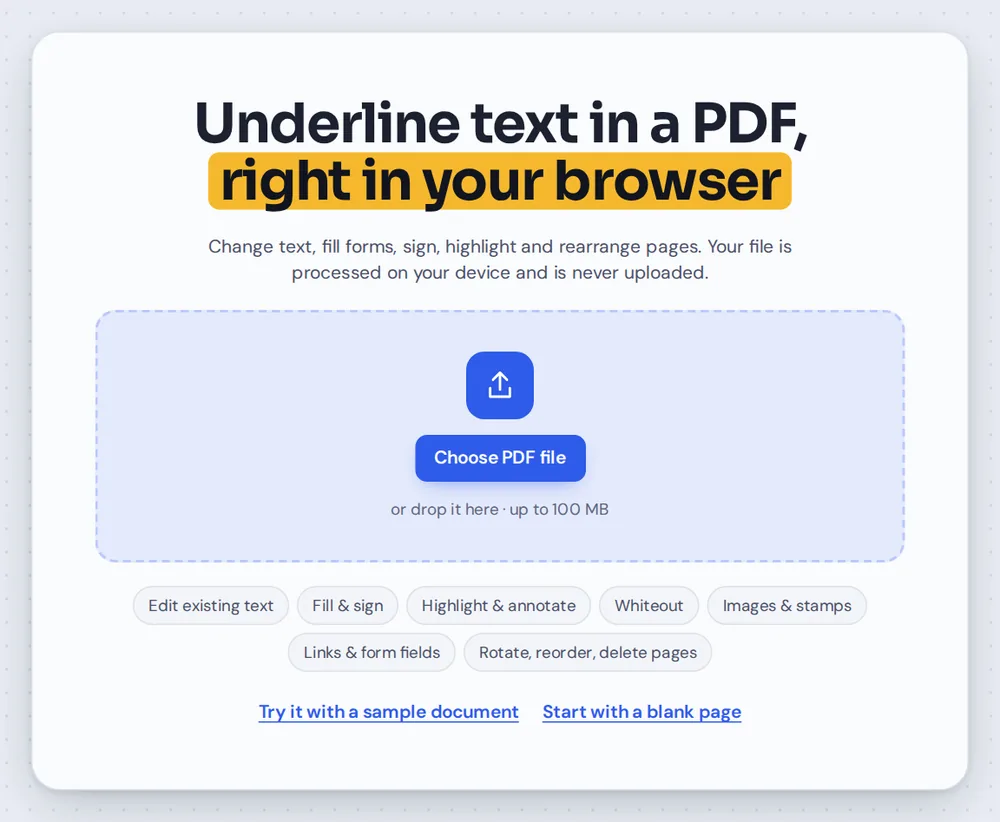
Click Choose PDF file or drag your document onto the editor above. The underline tool is already selected.
Pick a line color
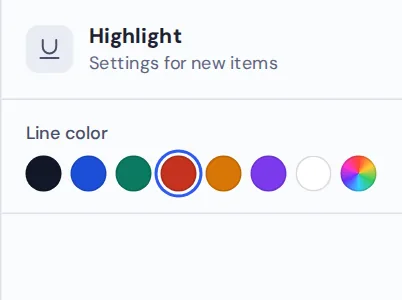
In the side panel, choose the color for your next line. Red and blue stand out well on black text.

Drag under the words
Drag from the first word to the last. The line snaps to the words and sits just under them, even if your drag is a little loose.
Download your file
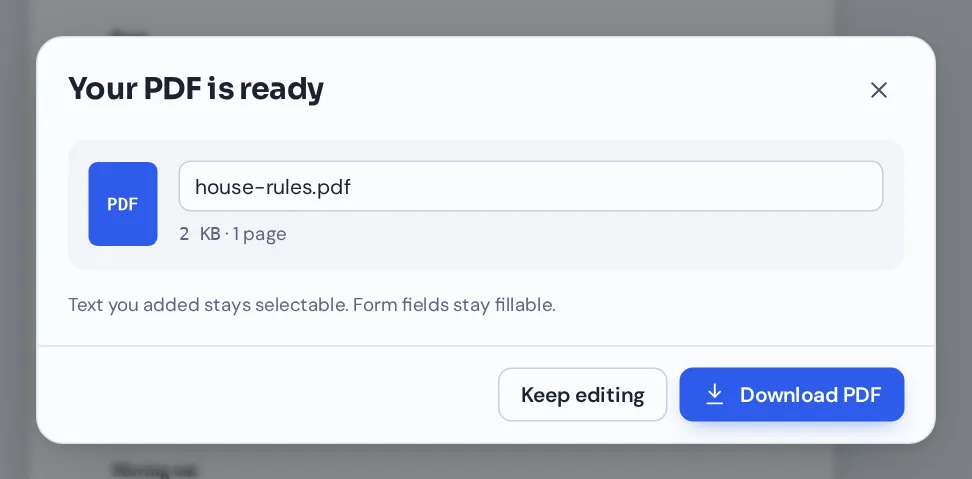
Click Download and name your file. Your lines open in any PDF reader and print cleanly.
Underline PDF Text Rules, Contracts and Notes
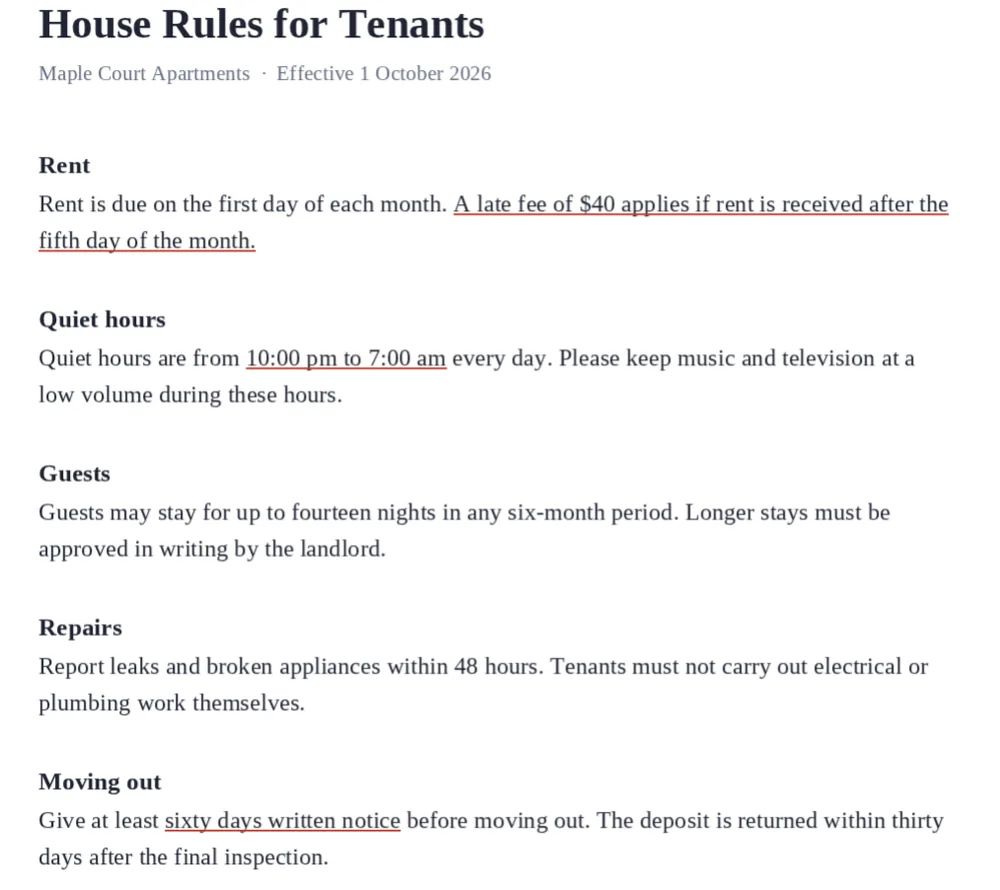
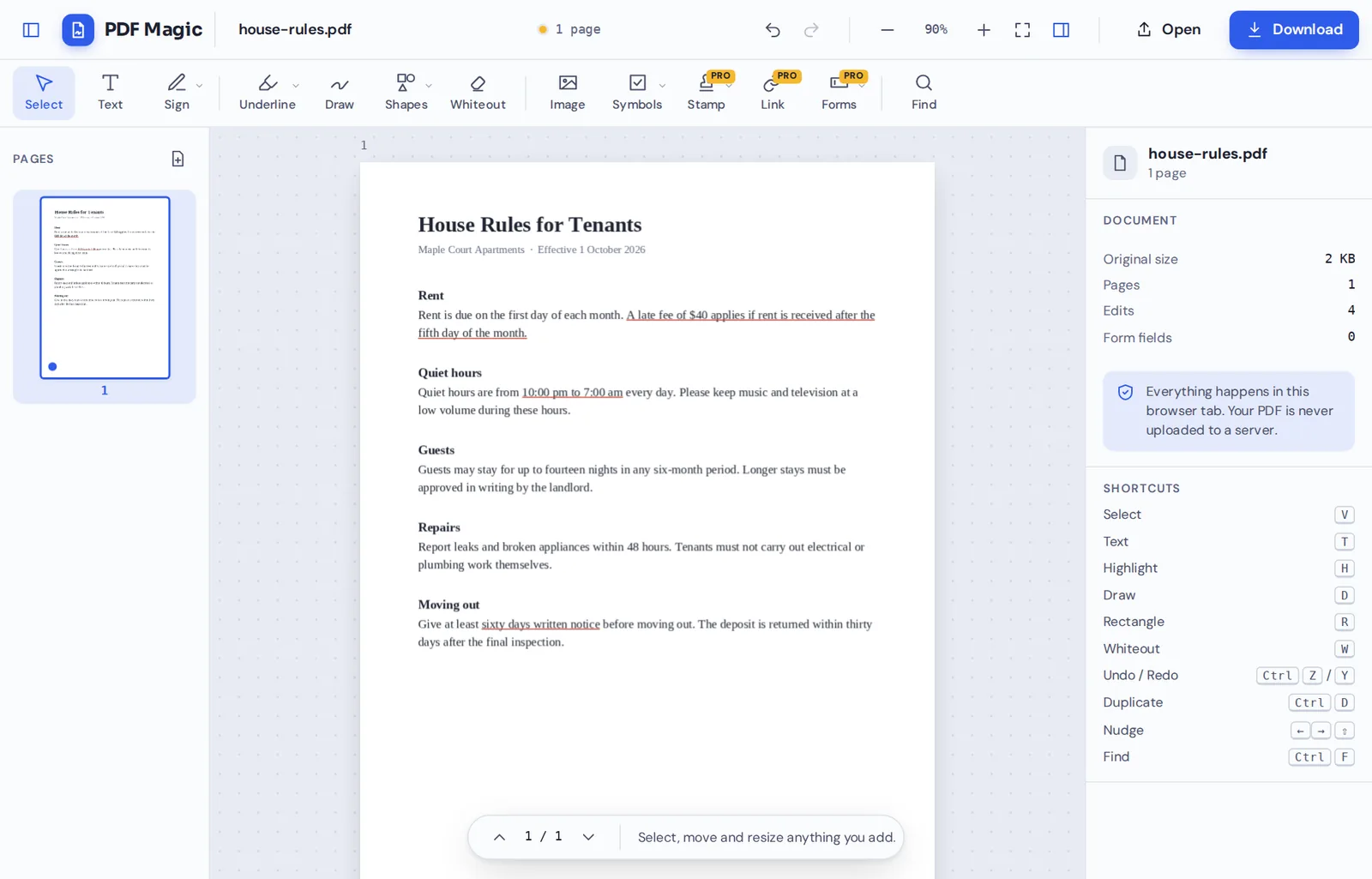
The late fee, quiet hours and notice period underlined in a tenancy document, so nobody misses them.
Underline, Highlight or Bold: Which Should You Use?
An underline is the quietest way to draw attention to words. It keeps the page clean and readable, which is why lawyers, teachers and editors use it for the details that matter.
When you underline PDF text pages with PDF Magic, the line follows the text it belongs to. Its thickness matches the size of the words, so it looks right on small print and on headings.
An underline is a mark on the page, not a link. To make words clickable, use Add link to PDF instead.
Underline
A clean line under key words. Best for terms, dates and amounts.
Highlight
A see-through color over the words. Best for study notes.
Strike out
A line through the words, for text to remove.
Everything You Can Do When You Underline PDF Text
Underline sits in the Highlight menu, next to Highlight and Strike out.
Draw neat lines
No wobbly pen lines.
- Snaps to words
Lines start and end on whole words, so they never cut a word in half.
- Matches the text
The line is placed just below the words and sized to the text.
- Several lines at once
Drag down across a few lines to underline them all.
Color
Make the marks mean something.
- Seven colors
Black, blue, green, red, orange, purple and white.
- Any custom color
Pick an exact color with the color picker.
- Recolor later
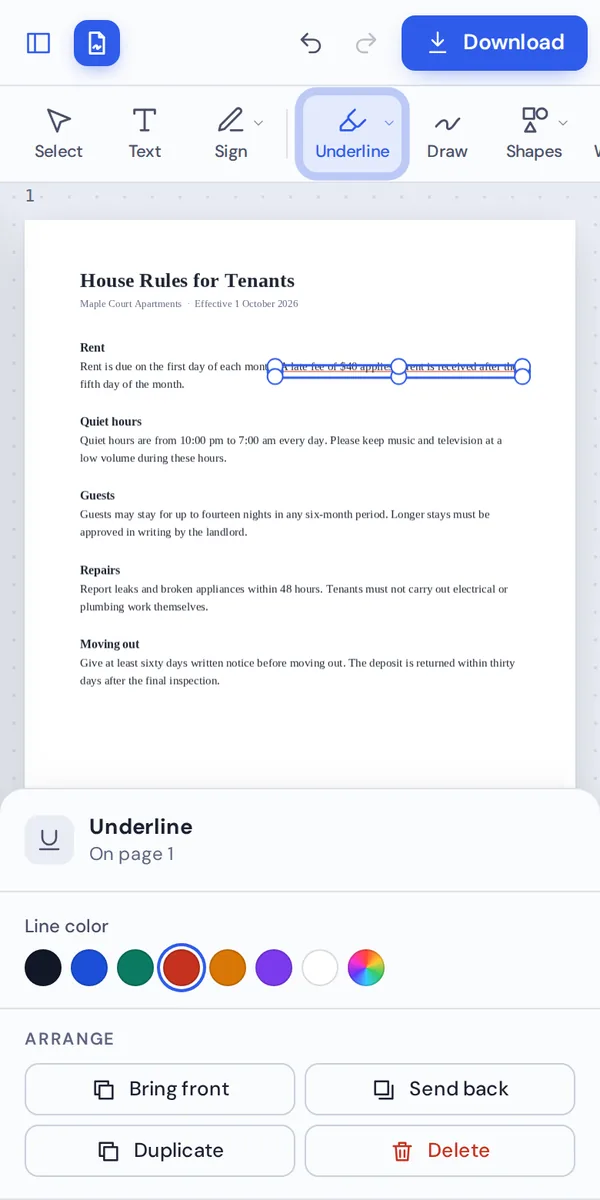
Select an underline to change its color.
Other marks
For notes that need more than a line.
- Highlight
Switch to Highlight in the same menu for a see-through color.
- Strike out
Cross out words you want removed.
- Draw
Circle or point to something with the pen.
Edit and save
Change your mind any time.
- Delete
Select an underline and press Delete.
- Undo
Press Ctrl+Z to step back.
- No watermark
Your marks download exactly as you made them.
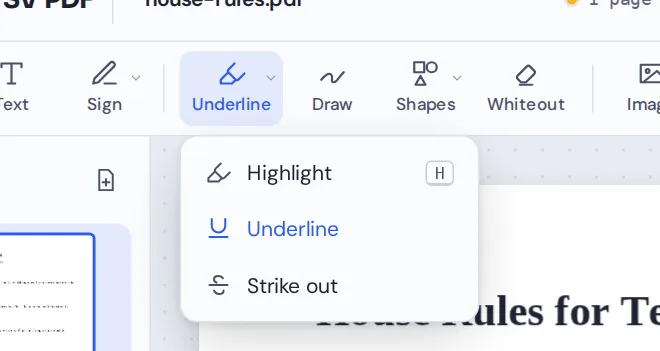
Open the Highlight menu in the toolbar to switch between Highlight, Underline and Strike out whenever you underline PDF text pages.
Other Tools to Use When You Underline PDF Text
They open the same document in the same editor, so nothing is uploaded.
Highlight PDF
Mark text in five highlighter colors.
Strike through text
Cross out words to remove.
Draw on PDF
Circle and point by hand.
Add link to PDF
Make words clickable.
Add text to PDF
Type a note in the margin.
PDF Editor
Every editing tool in one place.
Private by Design, With No Upload
When you underline PDF text here, the document is opened and marked up inside your own browser tab. It is never sent to our servers.
That makes it a safe choice for contracts, leases, exam papers and anything you would rather keep private.
- 0files uploadedYour PDF stays on your device.
- 0watermarksYour marks look like yours.
- 0accounts neededOpen the page and start.
Works on iPhone, Android and Computer
- Windows
- Mac
- Linux
- Chromebook
- iPhone
- iPad
- Android
It works in any modern browser, with nothing to install. On a tablet or phone, drag your finger along the words to underline them.
Reading a contract on the train? Underline PDF text pages as you go and send your notes when you arrive.
When People Use This Tool
Underlines point to the details people must not miss.
Contracts
Deadlines, fees and notice periods.
Leases and house rules
The rules that matter most to tenants.
Study and exams
Key terms, dates and formulas.
Instructions
Steps people must follow exactly.
Proofreading
Words to check, alongside strikeouts.
Invoices
Amounts and due dates.
Pro Tips for Faster Results
- Pick one color per meaningFor example, red for deadlines and blue for money.
- Zoom in on small printIt is easier to start and end on the right words.
- Underline lessA few underlines stand out. Too many hide each other.
- Drag line by lineFor long passages, one drag per line gives the neatest result.
- Scans need the penScanned pages have no real text, so draw lines with the pen there.
- Undo anythingCtrl+Z removes the last line.
Underline PDF Text: Frequently Asked Questions
Answers to what people ask most before they start.
How do I underline PDF?
Open your PDF, choose Underline from the Highlight menu and drag across the words. Pick a color, then click Download.
Can I underline PDF for free?
Yes. Underlining and downloading are free, with no account and no watermark.
Can I underline PDF online?
Yes. PDF Magic runs in your web browser, so you can underline PDF text online on Windows, Mac, Linux or a Chromebook with nothing to install. Open your file in the tool at the top of this page to start.
How do I underline PDF on my phone?
Open this page in your phone's browser, tap Choose PDF file and pick your document. Choose Underline and drag your finger across the words. Then tap Download. There is no app to install.
Can I underline PDF without Adobe Acrobat?
Yes. You do not need Acrobat or any other software. PDF Magic works in your browser, and the file you download opens in Acrobat, Preview, Chrome and every other PDF reader.
Is it safe to underline PDF online?
Yes. PDF Magic does not upload your file. It is opened and changed inside your browser tab and never sent to our servers, so nobody else sees it. Close the tab and nothing is left behind.
How do I underline PDF without losing quality?
The line is drawn under the words and the text itself is not changed, so it stays sharp and searchable.
What is the easiest way to underline PDF?
Open the file above and drag across the words. The line snaps under them and matches the size of the text.
Ready to Underline PDF Text?
No account, no upload and no watermark: open your document above and start marking.
Open the editorPDF Magic is the easy, private way to mark up a document. Open your file and underline PDF text pages today.