
PDF Maker Online Free
A free PDF maker that works in your browser: start from a blank page or your photos, then add text and images.
- No upload
- No watermark
- No sign-up
- Blank page or photos
Make a new document with a free PDF maker, with no software to install. Start from a blank page in the size you need, or turn photos and scans into a PDF, one image per page. Then type text, add a logo, a signature or more pages, and download your new document. Nothing is uploaded.
How to Use the PDF Maker in 4 Steps
It takes a minute to make a document with the PDF maker, whether you start from scratch or from photos.
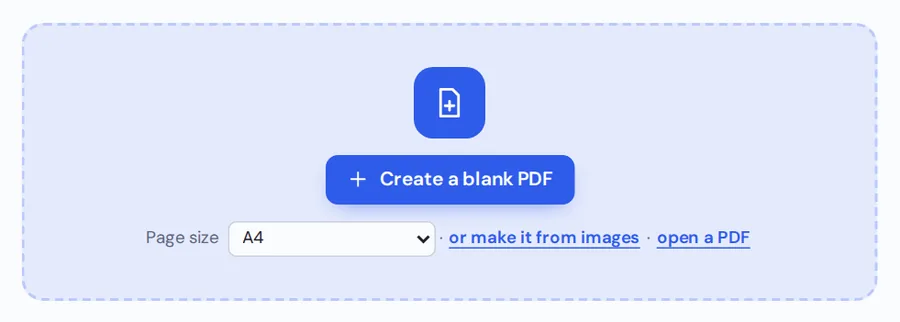
Pick a page size
Choose A4, US Letter, US Legal or A5, in portrait or landscape, and click Create a blank PDF. Or click make it from images to start from photos.
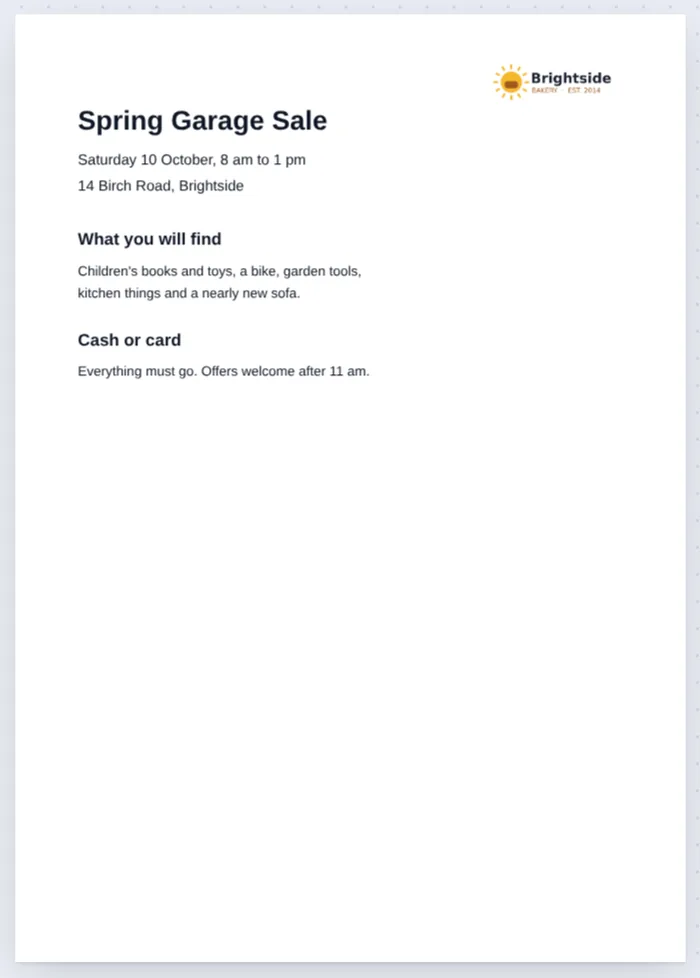
Type your content
The Text tool is ready. Click anywhere on the page and type. Change the font, size, color and style in the side panel.
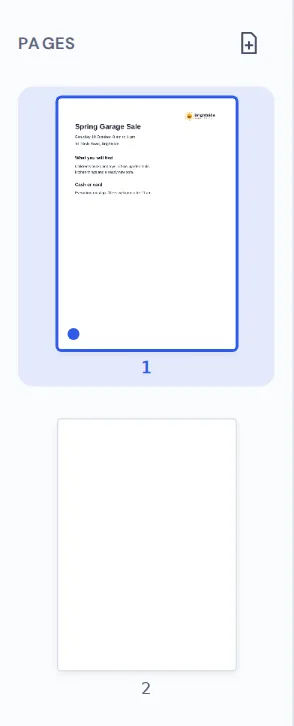
Add images and pages
Use Image to place a logo or photo. Click the add page button in the sidebar for another page.
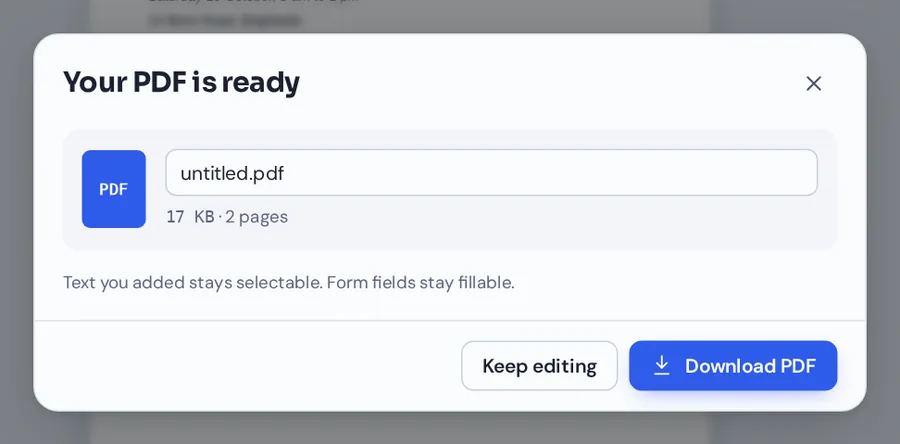
Download your PDF
Click Download, name your file and save it. It opens in any PDF reader, with no watermark.
Use the PDF Maker With Photos and Scans
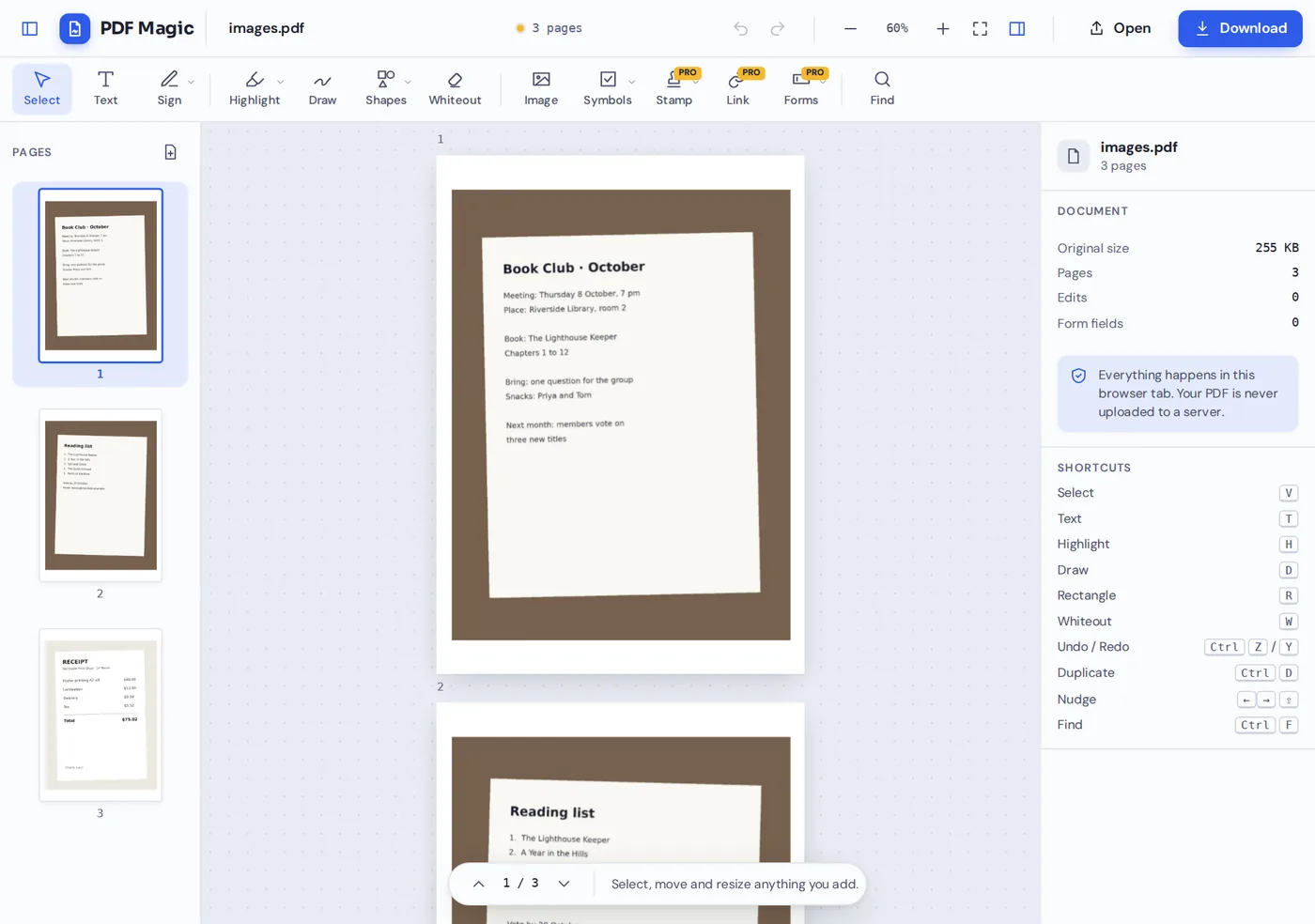
Three phone photos, a meeting note, a reading list and a receipt, turned into one three-page PDF. Each photo gets its own page.
Two Ways to Use the PDF Maker
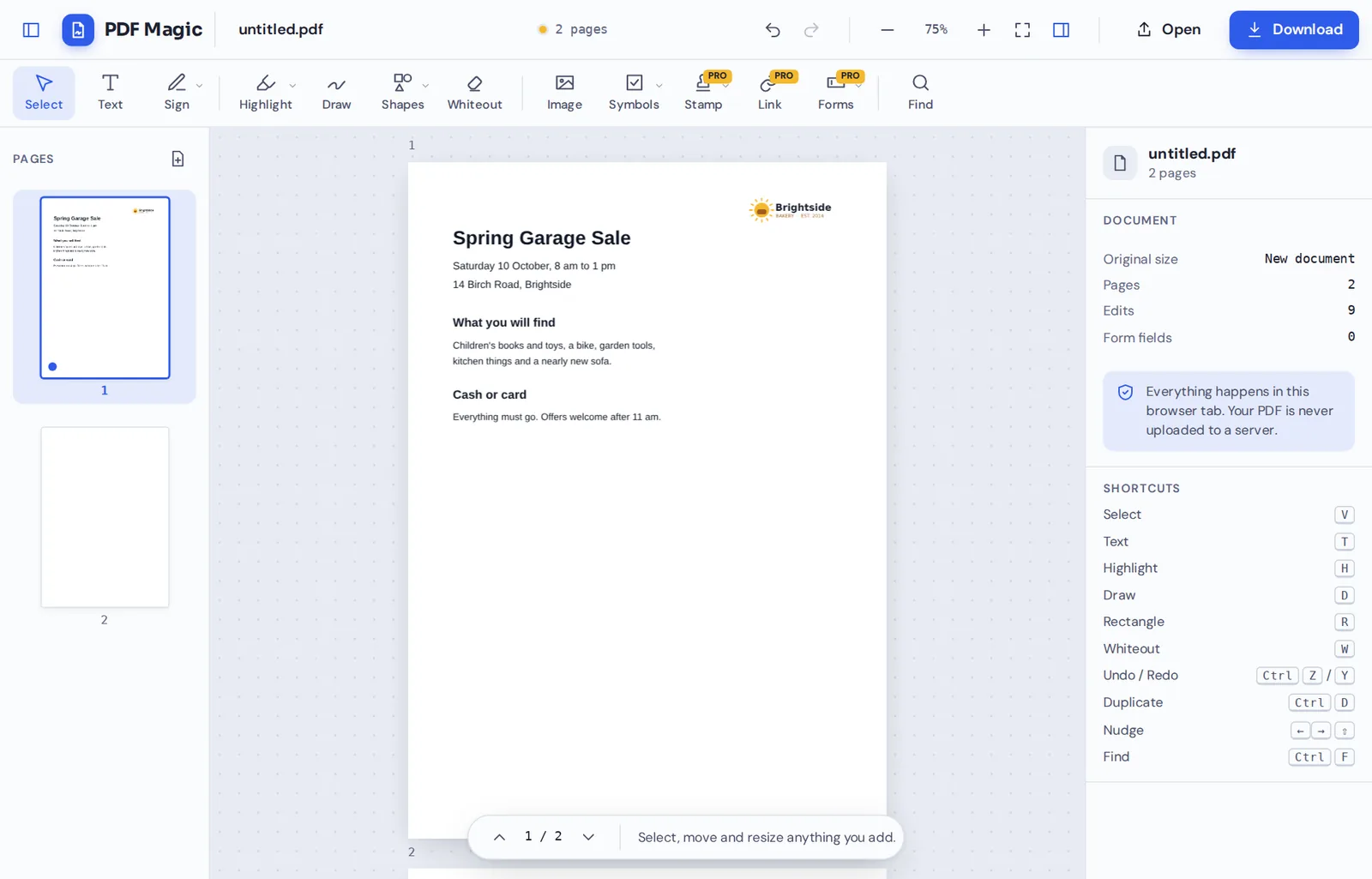
Start from a blank page when you want to make something new: a flyer, a notice, a simple letter, a cover page or a form. You get a clean page in the size you chose, and the Text tool is already selected.
Start from images when you already have the content on paper or in photos. Pick JPG, PNG, WebP or GIF images, and each one is placed on its own page, centered with a small margin. Wide photos get a landscape page.
Either way, the PDF maker opens your new document in the full editor, so you can add text, pictures, shapes, signatures and stamps, and add, copy or reorder pages before you download.
Blank page
A4, US Letter, US Legal or A5, in portrait or landscape.
From images
JPG, PNG, WebP or GIF photos, one per page.
Full editor
Text, images, shapes, signatures and page tools.
Everything You Can Do in the PDF Maker
Every editor tool works in the PDF maker, from text to signatures.
Text
Write your content.
- Type anywhere
Click the page and type. Press Enter for a new line.
- Fonts and sizes
Sans, serif and mono fonts from 4 to 200 points, in bold or italic.
- Colors
Pick from the palette or any custom color.
Pictures
Make it look like yours.
- Images
Add a logo, a photo or a chart, and resize it.
- Shapes
Boxes, circles, lines and arrows.
- Signatures and stamps
Sign the page or add an Approved stamp.
Pages
Build a document of any length.
- Add pages
Add an empty page after any page.
- Copy pages
Duplicate a page you already designed.
- Reorder
Drag thumbnails into the order you want.
Download
Save a real PDF.
- Name your file
Rename it before you save.
- Sharp text
Typed text stays sharp and searchable.
- No watermark
The file is yours, with no logo added.
Related Tools in the Same Editor
They open your new document in the same editor, so nothing is uploaded.
Add text to PDF
Type on any page of any PDF.
Add image to PDF
Place logos and photos.
Merge PDF
Combine your new PDF with other files.
Create a fillable PDF
Add fields people can type into.
Sign PDF
Add your signature.
PDF Editor
Every editing tool in one place.
Private by Design, With No Upload
Most online PDF makers send your photos and text to a server. PDF Magic does not. When you use the PDF maker here, the document is built inside your own browser tab and the file is saved straight to your device.
That makes it a safe way to turn photos of IDs, receipts and letters into a PDF. Close the tab and nothing is left behind.
- 0files uploadedYour photos and text stay on your device.
- 0watermarksThe PDF is yours.
- 0accounts neededOpen the page and start.
Works on iPhone, Android and Computer
- Windows
- Mac
- Linux
- Chromebook
- iPhone
- iPad
- Android
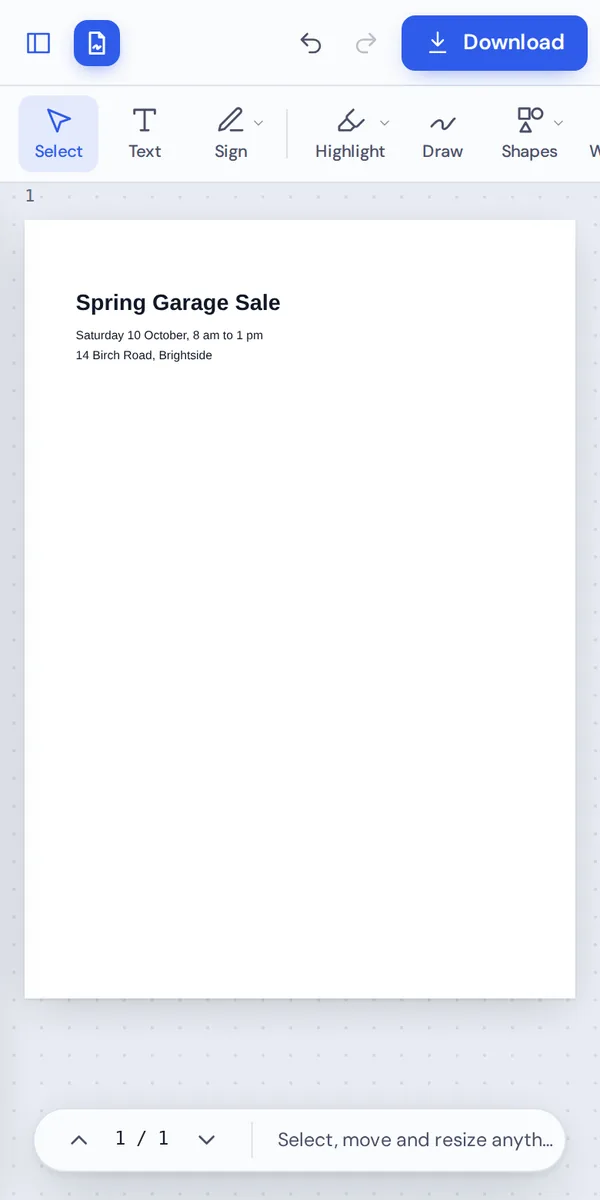
It works in any modern browser, with nothing to install. On a phone, tap the page to type, or pick photos from your gallery to turn them into a PDF.
Need to send a document from your phone? Turn the photos you just took into a PDF and attach one tidy file.
When People Use This Tool
Whenever you need a PDF and do not have one yet, you can make one here in a minute.
Flyers and notices
Garage sales, events and opening hours.
Photos of documents
Receipts, IDs and letters as one PDF.
Cover pages
A title page to add to a report.
Homework
Photos of handwritten work as one file.
Simple forms
A sign-up sheet or checklist to print.
Letters
A short letter or note to send as a PDF.
Pro Tips for Faster Results
- Choose the size firstPick A4 or US Letter to match the paper you will print on.
- Make the title bigA 24 point bold title makes the page easy to scan.
- Crop photos firstPhotos cropped close to the paper look cleaner on the page.
- Copy a finished pageDuplicate a page you designed to keep the same layout.
- Zoom out to checkSee the whole page before you download.
- Undo anythingCtrl+Z steps back through every change.
PDF Maker: Frequently Asked Questions
Answers to what people ask most before they start.
How do I make a PDF with a PDF maker?
Pick a page size and click Create a blank PDF, or click Make it from images to start from photos. Type your text, add pictures and pages, then click Download.
Is there a free PDF maker?
Yes. PDF Magic is a free PDF maker, with no account and no watermark on your downloads.
Can I use a PDF maker online?
Yes. This PDF maker runs in your web browser, so there is nothing to install on Windows, Mac, Linux or a Chromebook.
How do I use a PDF maker on my phone?
Open this page in your phone's browser. Tap Create a blank PDF to type, or pick photos from your gallery to turn them into a PDF, then tap Download.
Can I use a PDF maker without Adobe Acrobat?
Yes. You do not need Acrobat or any other software, and the PDF you make opens in every PDF reader.
Is it safe to use a PDF maker online?
Yes. This PDF maker builds your document inside your browser. Your text and photos are never uploaded to our servers.
How do I make a PDF without losing quality?
Text you type is saved as real, sharp text. Photos are placed at their full resolution, one per page, with a small margin.
What is the easiest PDF maker to use?
Open this page and click Create a blank PDF, then click the page and type. There is nothing to set up and no account to create.
Ready to Try the PDF Maker?
No account, no upload and no watermark: pick a page size above or start from your photos.
Start creatingPDF Magic is the easy, private way to make a new document. Start from a blank page and try the PDF maker today.