
Online PDF Editor – Nothing to Install
A free online PDF editor that runs in your browser on any computer, tablet or phone.
- No upload
- No install
- No watermark
- Always up to date
This online PDF editor needs nothing but a web browser. Open a file above and change text, sign, fill in forms, highlight or move pages. Unlike most online editors, it does the work on your own device, so your file is never uploaded, and the download has no watermark.
How the Online PDF Editor Works
Four steps, and no software to download.

Open the page
Visit this page in Chrome, Edge, Firefox or Safari. The online PDF editor loads in a few seconds and is ready to use.
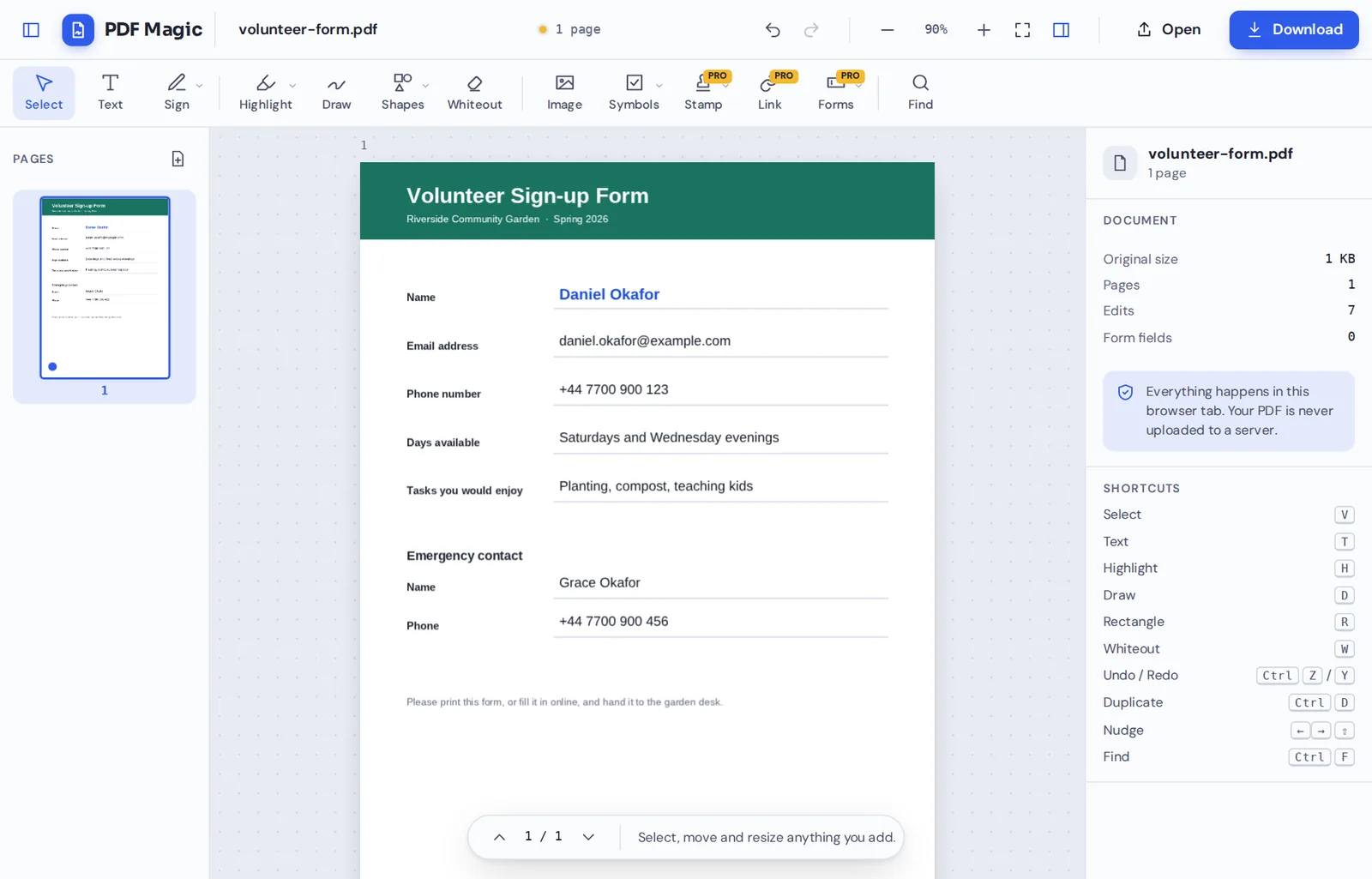
Open your file
Click Choose PDF file or drop the file on the editor. It is opened on your device, not sent anywhere.
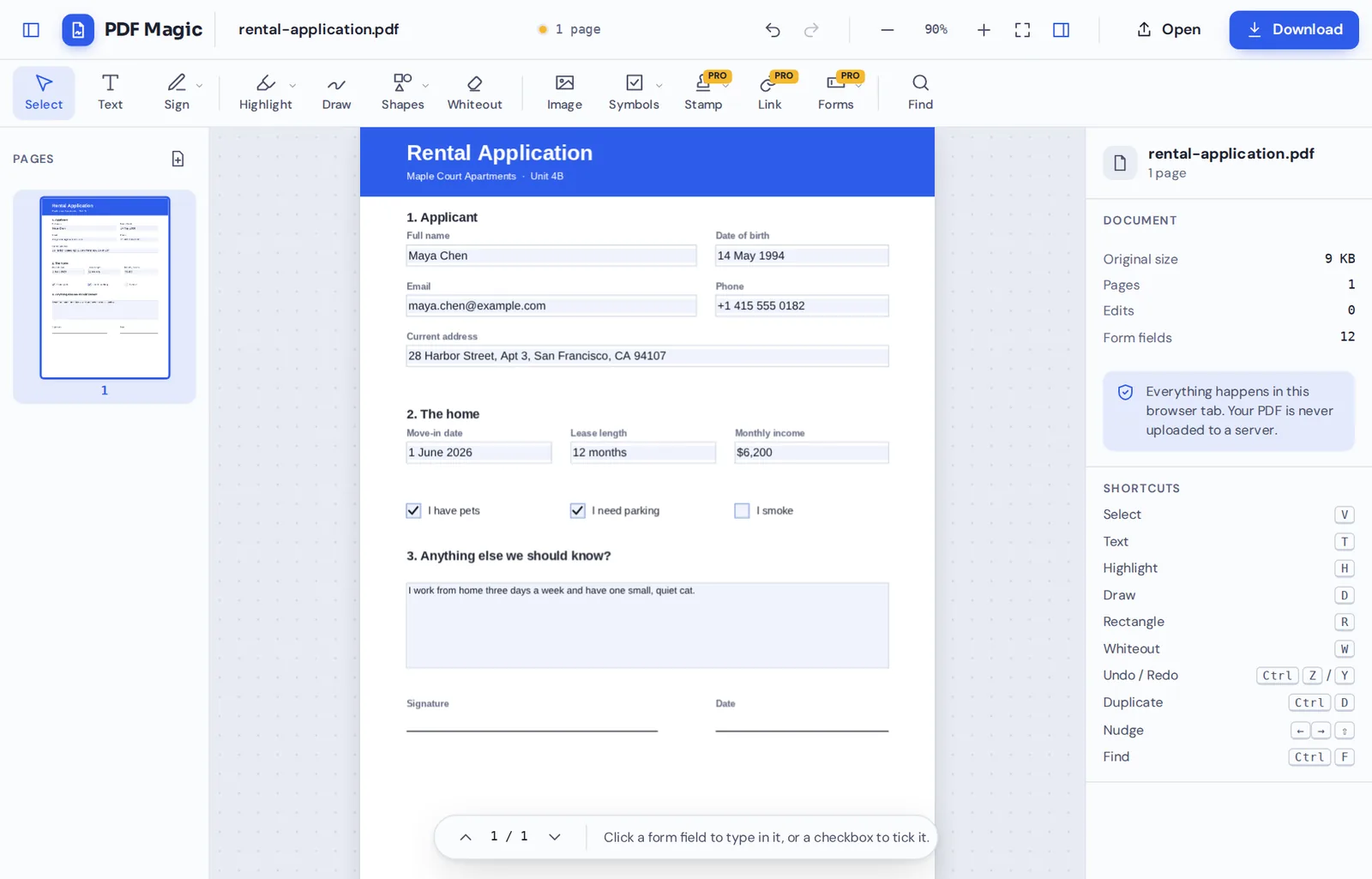
Edit, fill or sign
Pick a tool from the toolbar and click the page. Select anything you add to move, resize or restyle it.
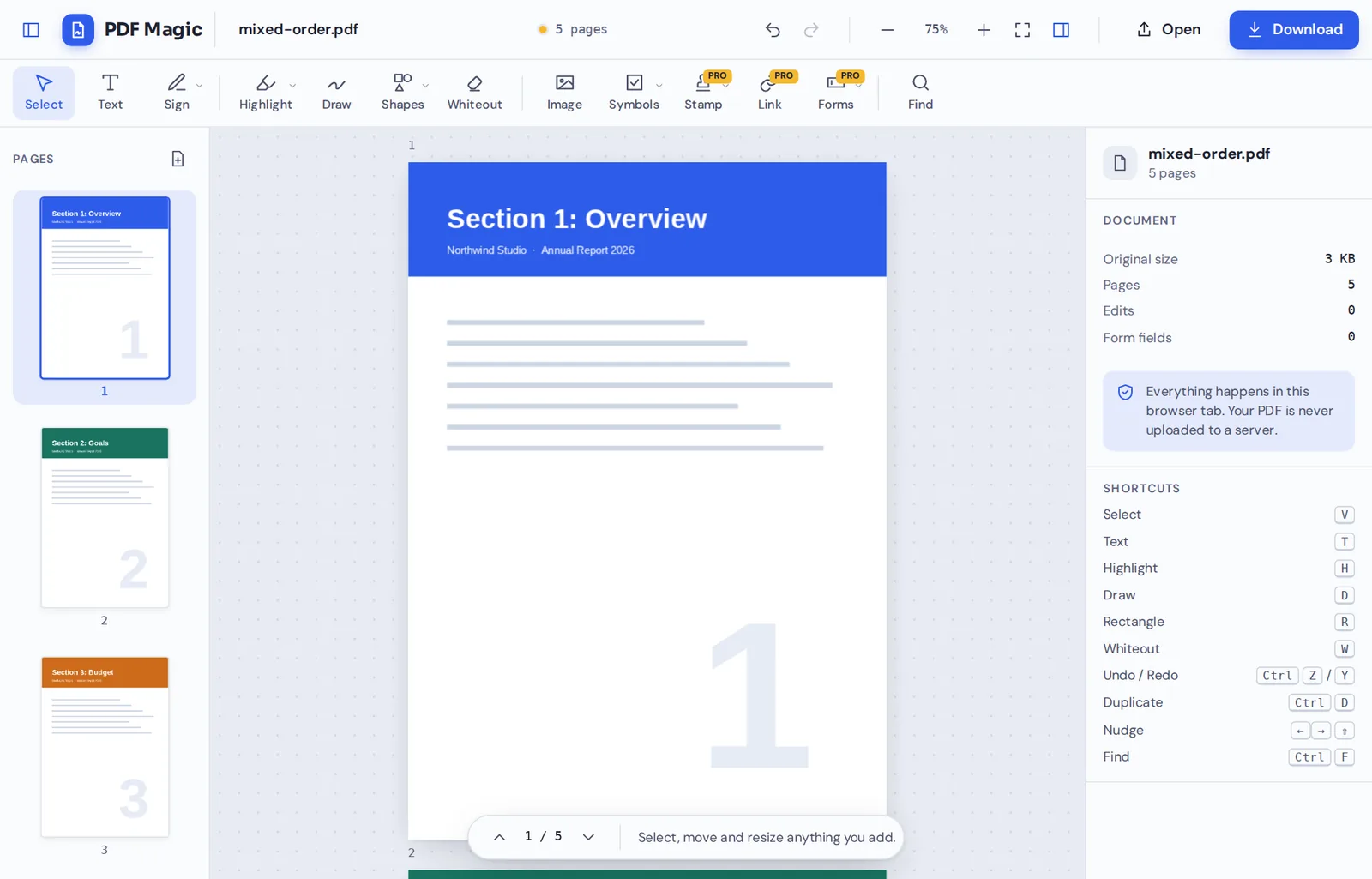
Download
Click Download and save the finished PDF, with no watermark and no account.
An Online PDF Editor That Does Not Upload Your File
Most online PDF editors work by sending your document to a server, changing it there and sending it back. That is why they ask you to wait for an upload, and why many delete your file a few hours later.
This online PDF editor loads the editing tools into your browser instead. Your document is opened and changed on your own computer or phone, so there is nothing to upload and nothing to delete afterwards.
You still get the convenience of an online tool: no installation, no updates to run and the same editor on every device you own.
No install
Open the page and start. Nothing to download or update.
No upload
The file is changed on your device, not on a server.
No watermark
Downloads look like your document, with no logo added.
Online PDF Editor or Desktop Software?
Both have their place. This is how an online PDF editor that works on your device compares.
| PDF Magic | Typical online editor | Desktop software | |
|---|---|---|---|
| Install and updates | None | None | You install and update it |
| Where your file is processed | On your own device | On the company's servers | On your own device |
| Works on phones and Chromebooks | Yes | Usually | Rarely |
| Account needed | No | Often, to download | Often, to activate |
| Cost for everyday editing | Free | Free with limits | Often a subscription |
Everything the Online PDF Editor Can Do
The toolbar covers the jobs people need most often.
Edit
Change the page.
- Edit existing text
Click a line and retype it.
- Add text and images
Type anywhere and place logos or photos.
- Whiteout
Cover details and type over them.
Annotate
Mark it up.
- Highlight and underline
Marks that snap neatly to the words.
- Draw, shapes and stamps
Pen, boxes, arrows and Approved stamps.
Fill and sign
Finish the paperwork.
- Sign and initial
Draw, type or upload a signature.
- Fill forms
Type into fields and tick boxes.
Pages
Organize the document.
- Rotate, reorder, delete
Drag, turn or remove pages.
- Copy and add pages
Duplicate a page or insert a blank one.
Private, Even Though It Is Online
Being online usually means your file travels to someone else's computer. Here it does not. The online PDF editor only loads the tools; your document never leaves your device.
There is no account, no copy kept on our side and nothing to delete later. Close the tab and your file is gone from the page.
- 0files uploadedYour PDF stays on your device.
- 0installsIt runs in your browser.
- 0accounts neededOpen the page and start.
The Online PDF Editor on Every Device
- Windows
- Mac
- Linux
- Chromebook
- iPhone
- iPad
- Android
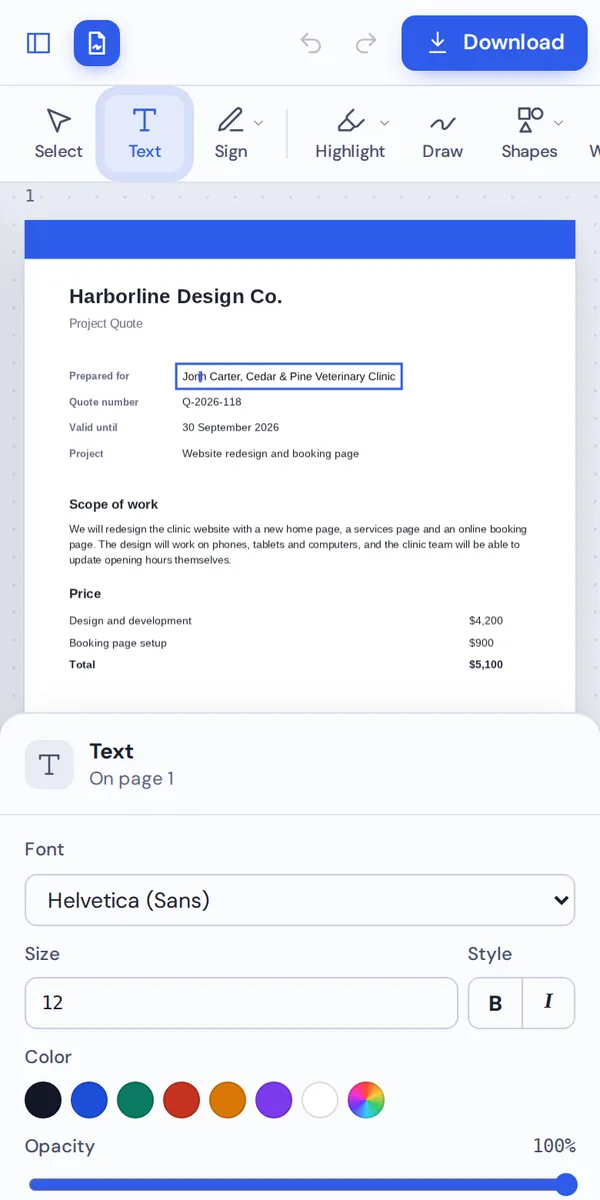
Because it runs in the browser, the online PDF editor works the same on Windows, Mac, Linux, Chromebooks, iPhones, iPads and Android phones.
Start a document on your laptop and finish signing it on your phone. There is no app to install on either one.
When an Online PDF Editor Is the Best Choice
Situations where a browser-based editor beats installing software.
Work computers
No admin rights needed to install anything.
Shared computers
Nothing is saved on the machine after you close the tab.
Chromebooks
Full editing where desktop apps will not run.
One-off jobs
Sign a lease without buying software.
Phones
Fill in a form wherever you are.
Several devices
The same editor on all of them.
Pro Tips for Faster Results
- Use a current browserChrome, Edge, Firefox or Safari work best.
- Keep the tab openYour edits live in the tab until you download.
- Download when doneNothing is saved online, so download your file.
- Save your signatureKeep it in the browser for next time.
- Undo anythingCtrl+Z steps back through every change.
- Learn the shortcutsT for text, H for highlight, V to select.
Online PDF Editor: Frequently Asked Questions
Answers to what people ask most before they start.
How can I edit a PDF online?
Open this page in any modern browser, click Choose PDF file and pick a tool from the toolbar. When you are done, click Download. The online PDF editor needs no installation.
Can I edit a PDF for free online?
Yes. Editing, signing, filling and page tools are free, with no account and no watermark. During our launch every tool is free.
How do I edit text in a PDF?
Click the line you want to change and retype it. The online PDF editor matches the original font where it can. To add new text, choose Text and click the page.
Can I edit a PDF without Adobe Acrobat?
Yes. The online PDF editor runs in your browser, so you do not need Acrobat. Your download opens in Acrobat and every other PDF reader.
Can I edit a PDF on my phone?
Yes. Open this page in your phone's browser. The tools sit along the top and work with your finger.
Is it safe to edit a PDF online?
Here it is. This online PDF editor does the work inside your browser, so your file is never uploaded to a server.
How do I edit a scanned PDF?
Add text, signatures, highlights and whiteout to the scanned pages. The words in a scan are part of a picture, so cover them with whiteout and type over them to change them.
Can I edit a PDF without changing the formatting?
Yes. Only the parts you change are changed, so the rest of every page keeps its layout, fonts and pictures.
Ready to Try the Online PDF Editor?
No install, no upload and no watermark: open a file at the top of this page.
Open the editorPDF Magic is the private way to edit PDFs in your browser. Open your file in the online PDF editor today.