
Private PDF Editor – No Upload
A private PDF editor that opens and changes your file on your own device. Nothing is uploaded.
- No upload
- No account
- No copies kept
- No watermark
Most online editors send your document to their servers. This private PDF editor does not. The file you open above is read and changed inside your browser tab, and the finished PDF is saved straight back to your device. There is no account, and we never have a copy.
How the Private PDF Editor Works
The same four steps as any editor, with one big difference: your file never leaves your device.
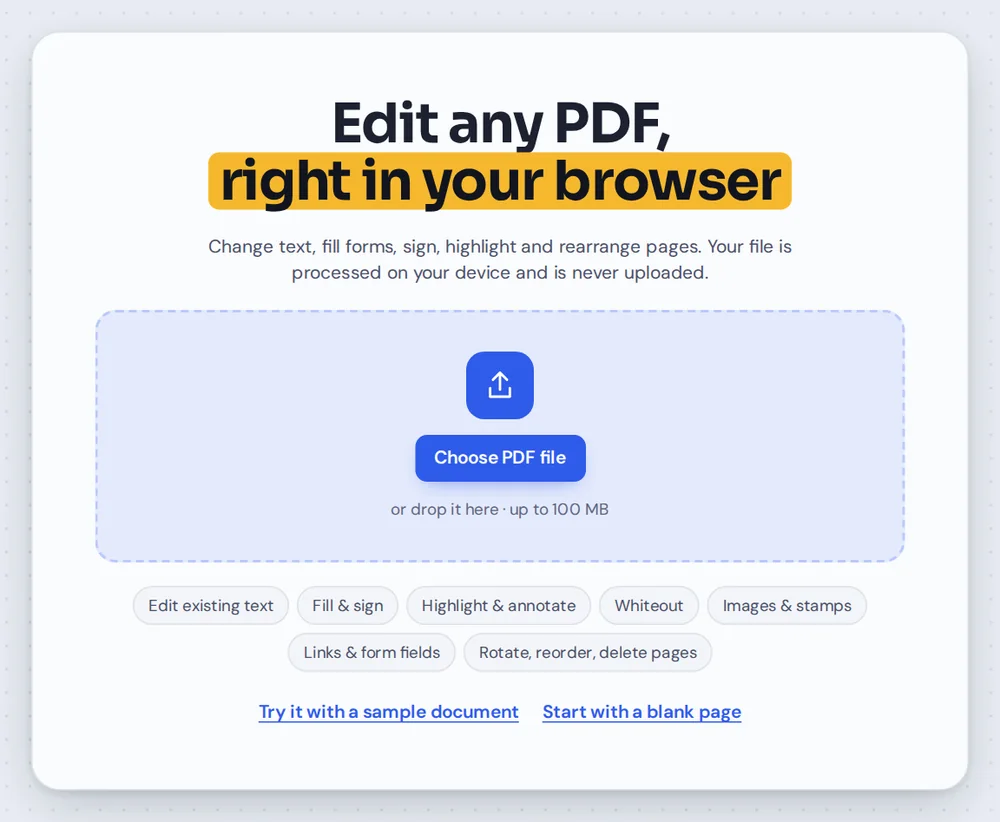
Open your file
Click Choose PDF file. Your browser reads the file from your device; nothing is sent over the internet.
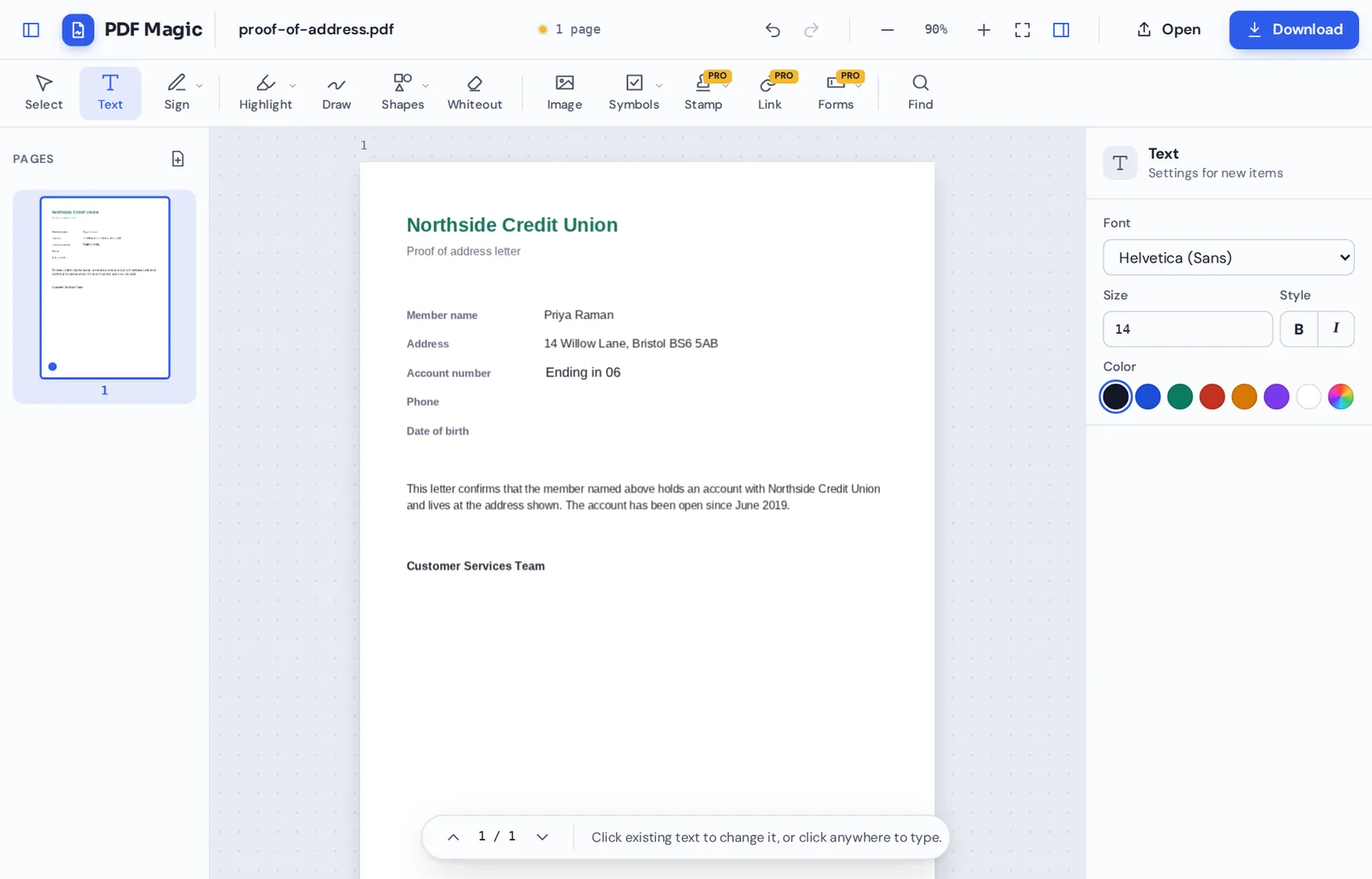
Edit on your device
Every change happens in the browser tab on your computer or phone, using the processor you already have.
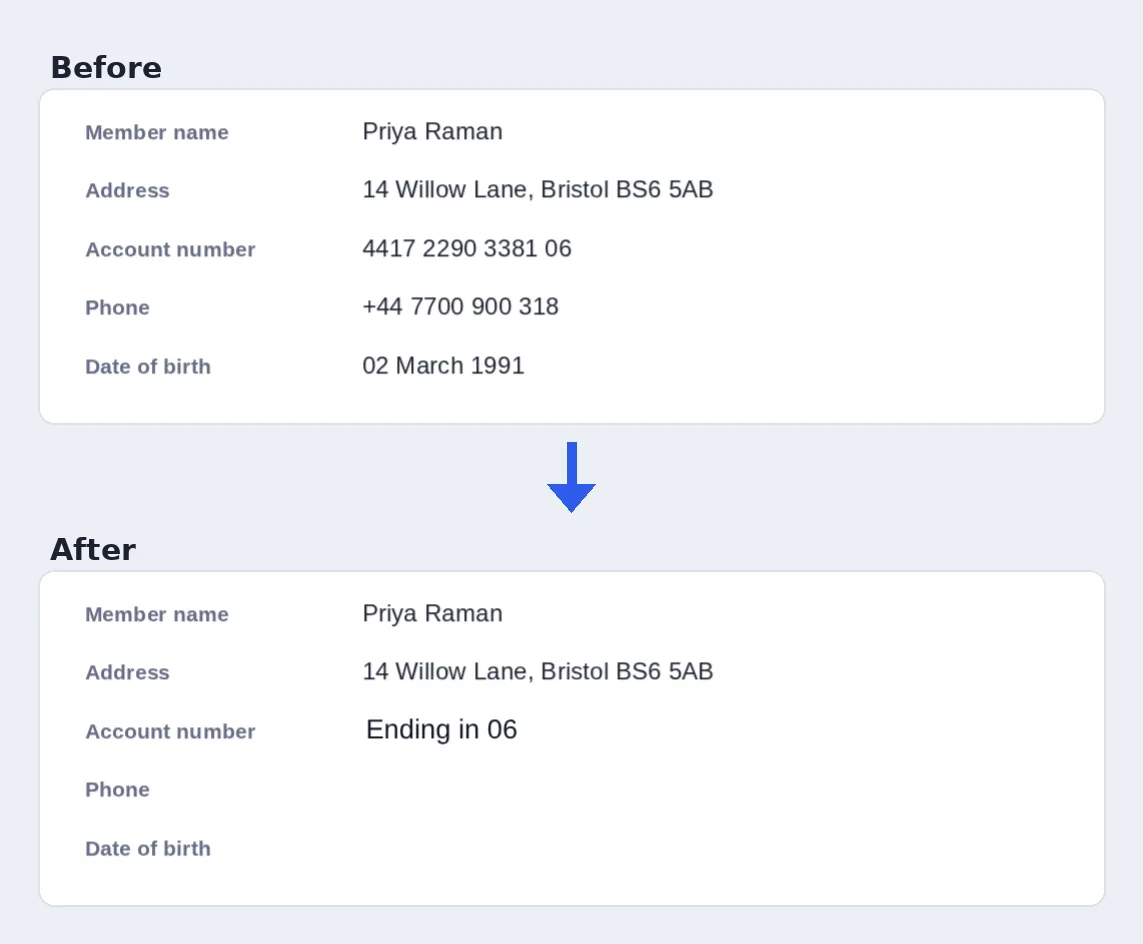
Change sensitive details
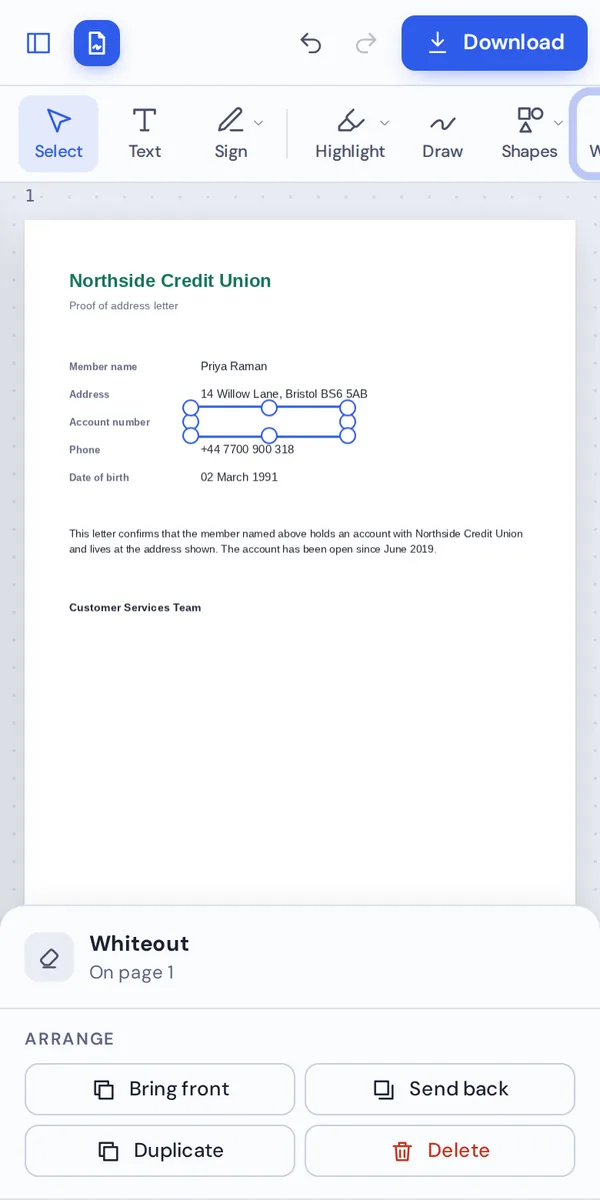
Replace a name on every page, or cover an account number before you share the file.
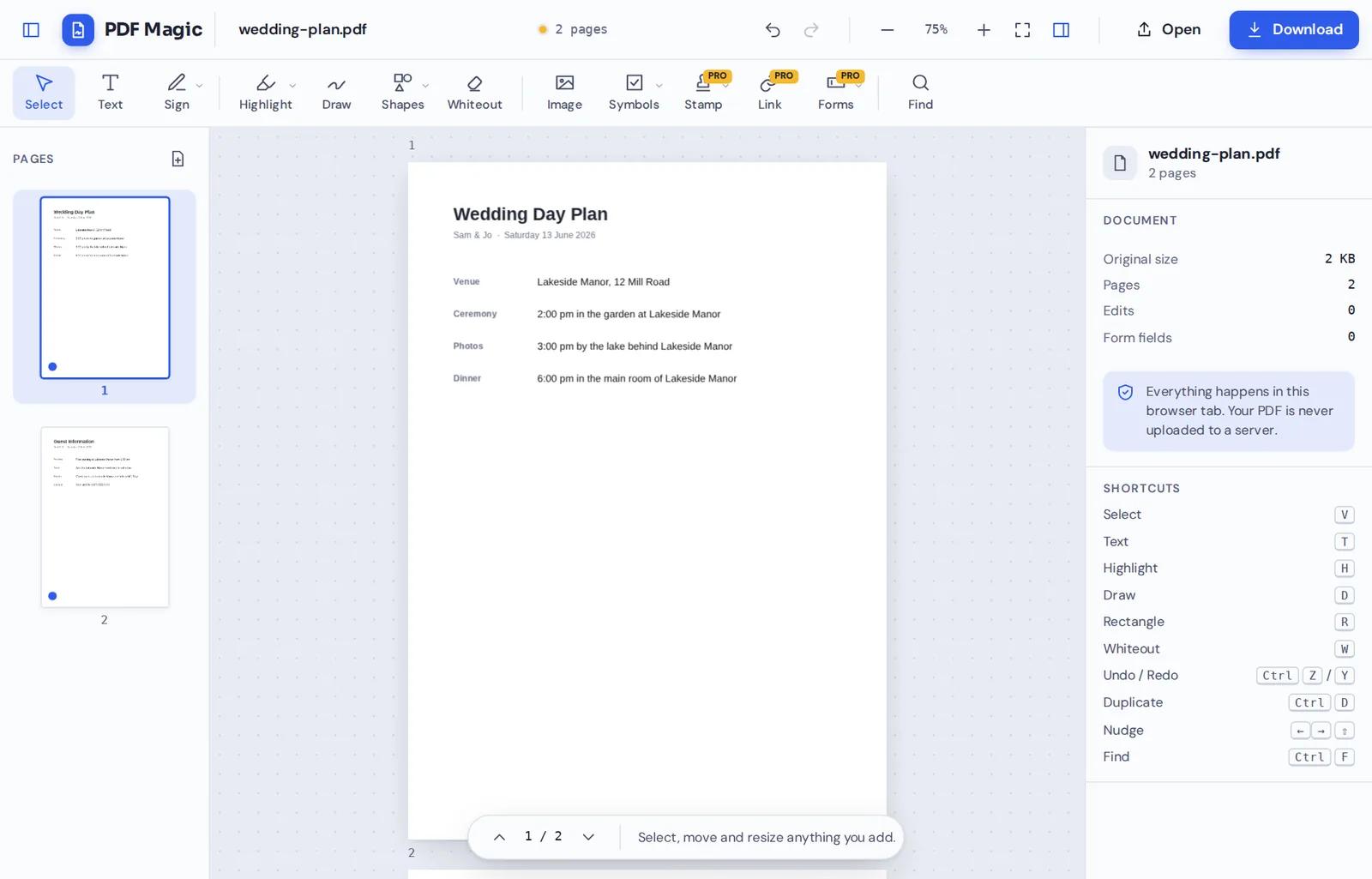
Save it back
Click Download. The new PDF is created on your device and saved there. No copy is made anywhere else.
What Makes a Private PDF Editor Private
An online editor usually uploads your document, stores it on a server while it works, and deletes it later. Even with good intentions, that means your file sits on someone else's computer for a while.
A private PDF editor avoids that step completely. PDF Magic loads the editing tools into your browser and then works on your file right there. Your document is never sent to us, so there is nothing for us to store, read or delete.
You can check this yourself with your browser's developer tools: while you edit, no request carries your document anywhere.
Nothing uploaded
Your document stays on your device from start to finish.
No account
We do not need your name or email to let you edit.
No copies
There is no server copy to leak, keep or delete.
Private PDF Editor Compared With Upload-Based Editors
Where your file goes with each kind of editor.
| PDF Magic | Typical online editor | Desktop software | |
|---|---|---|---|
| File sent over the internet | No | Yes, for every task | No |
| Copy kept on a server | Never | Usually for hours | No |
| Account needed | No | Often | Often, to activate |
| Install needed | No | No | Yes |
Tools That Help Keep Documents Private
Useful when you need to share a document but not everything in it.
Hide details
Cover what others should not see.
- Whiteout
Cover account numbers, addresses or signatures.
- Delete pages
Remove pages that are not needed.
Change details
Correct or anonymize a document.
- Find and replace
Change a name on every page at once.
- Edit text
Retype a line in a matching font.
Sign privately
Keep your signature to yourself.
- Signatures stay local
Saved signatures stay in your browser only.
- Forms
Fill in personal forms without uploading them.
Good habits
A few extra steps.
- Check hidden text
Whiteout covers text, but the text is still in the file.
- Name files carefully
Avoid personal details in file names.
Private by Design, With No Upload
We never upload, store, read or share your documents, because they never reach us. The private PDF editor works entirely in your browser.
Saved signatures and preferences stay in your own browser and can be removed at any time from the Sign menu.
- 0files uploadedYour PDF stays on your device.
- 0copies keptThere is nothing on our side.
- 0accounts neededNo name or email required.
Works on iPhone, Android and Computer
- Windows
- Mac
- Linux
- Chromebook
- iPhone
- iPad
- Android
It works in the browser on Windows, Mac, Linux, Chromebooks, iPhones, iPads and Android phones, with nothing to install.
On a shared or work computer, nothing is left behind once you close the tab, apart from anything you choose to save.
When People Use This Tool
The more personal the document, the more it matters where it goes.
Medical records
Letters, results and insurance claims.
Bank statements
Proof of income and address.
Leases and IDs
Rental applications and identity documents.
Contracts
Agreements under negotiation.
HR documents
Payslips, reviews and offer letters.
School records
Reports and applications for children.
Private PDF Editor: Frequently Asked Questions
Answers to what people ask most before they start.
What is a private PDF editor?
It is an editor that changes your PDF without sending it anywhere. PDF Magic opens and edits your file inside your browser, so it never reaches our servers.
Is there a free private PDF editor?
Yes. PDF Magic is a free private PDF editor, with no account and no watermark on your downloads.
Can a private PDF editor work online?
Yes. You open it in your browser like any website, but your document is processed on your own device instead of being uploaded.
Can I use a private PDF editor on my phone?
Yes. Open this page in your phone's browser. Your file stays on your phone the whole time.
Is a private PDF editor a good alternative to Adobe Acrobat?
For everyday jobs, yes. You can edit text, sign, fill forms and organize pages without installing anything, and your files stay private.
Is it safe to use a private PDF editor online?
Yes. Because the file is never uploaded, there is no server copy that could be kept, leaked or read by anyone else.
Does a private PDF editor keep the quality of my files?
Yes. Only what you change is changed. Text stays sharp and pictures keep their quality.
What is the easiest private PDF editor to use?
Open a file at the top of this page. There is nothing to install or sign up for, and the tools are ready straight away.
Ready to Try the Private PDF Editor?
No upload, no account and no copies kept: open a file at the top of this page.
Open the editorPDF Magic keeps your documents on your device from start to finish. Open your file in the private PDF editor today.