
PDF Editor No Watermark – Free and Clean
A free PDF editor with no watermark: edit, sign or fill a PDF and download a clean file.
- No watermark
- No upload
- No sign-up
- Free downloads
Many free editors stamp their logo across every page you download. PDF Magic is a PDF editor with no watermark, ever. Open a file above, make your changes and download a clean PDF that looks like your own document. There is no account to create, and your file is never uploaded.
How to Use the PDF Editor With No Watermark
A PDF editor with no watermark from the first download, with no trial and no sign-up.
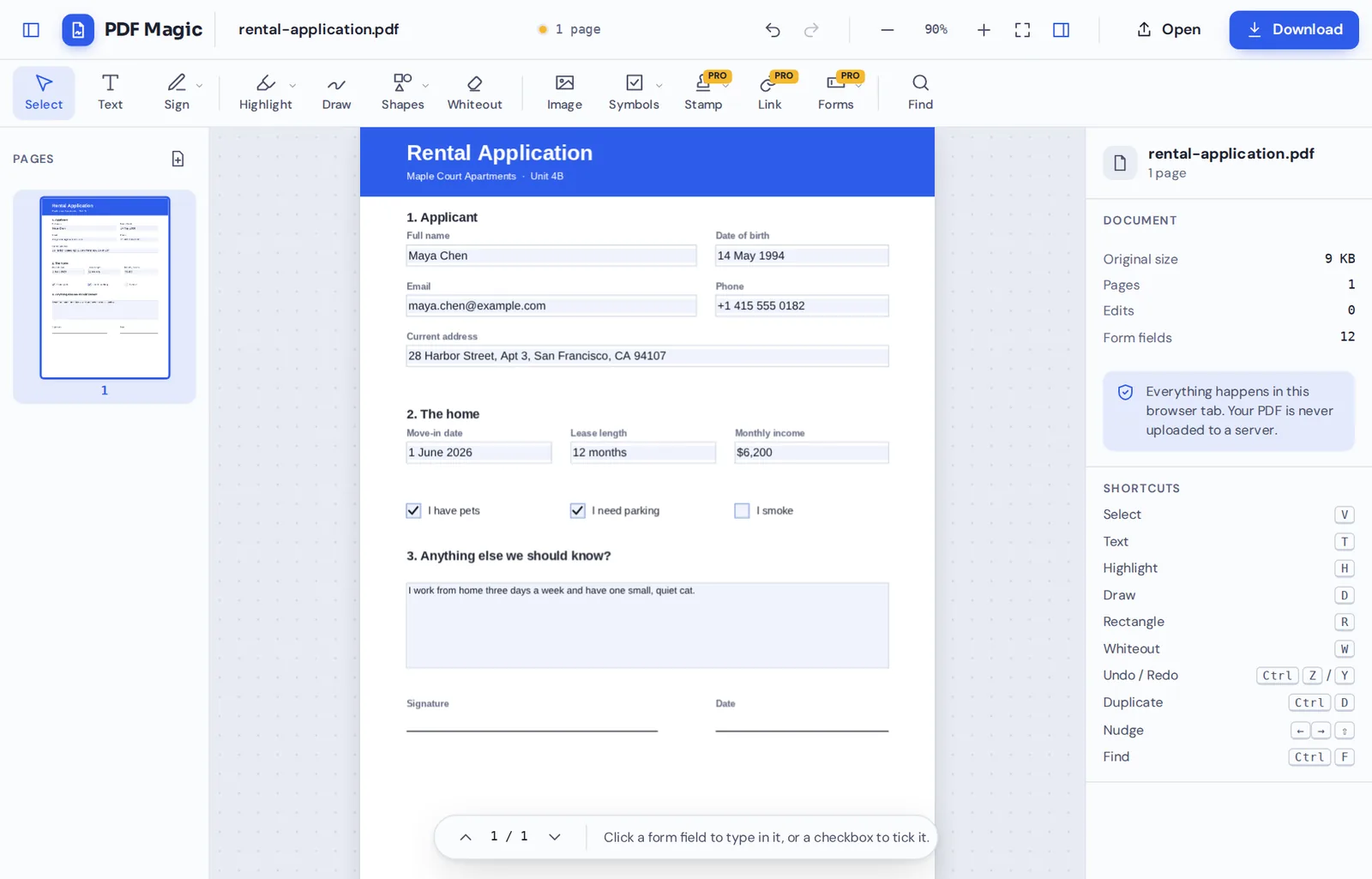
Open your PDF
Click Choose PDF file or drop your document on the editor above.
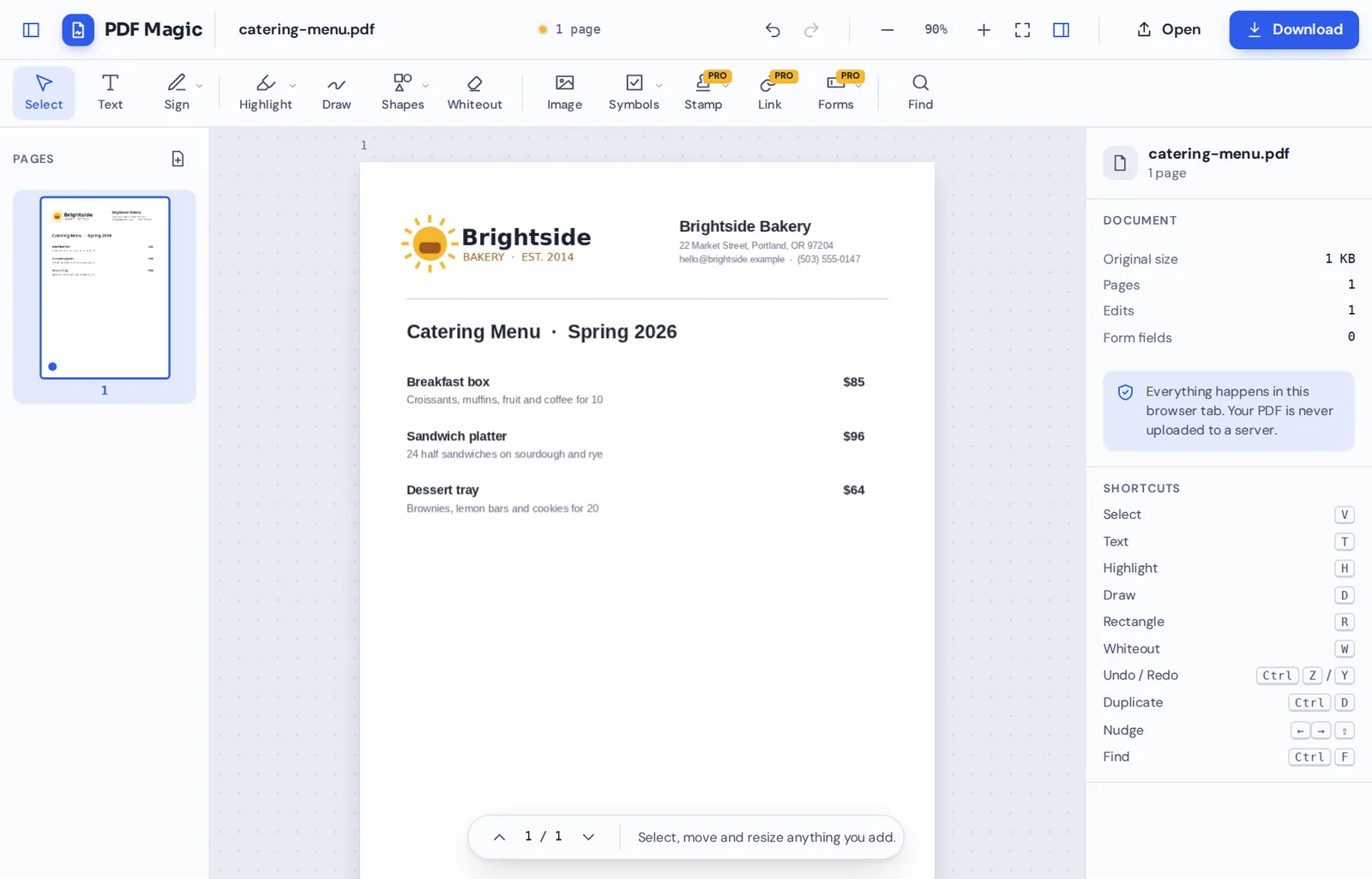
Make your changes
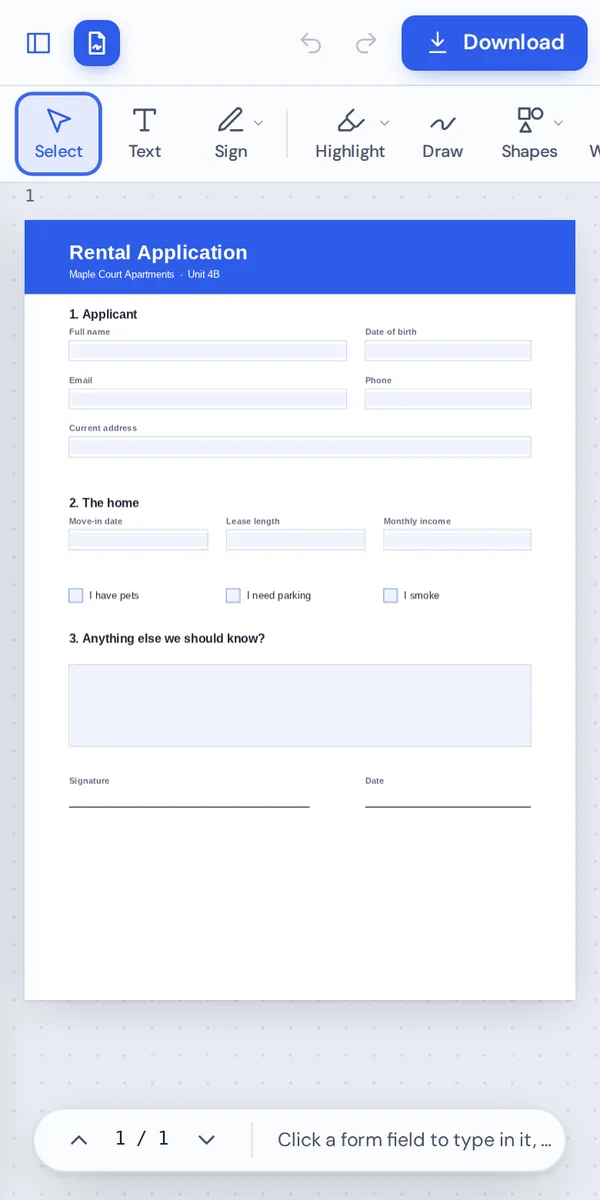
Type, sign, fill in fields, highlight or add a logo. Every tool works the same way on the free plan.
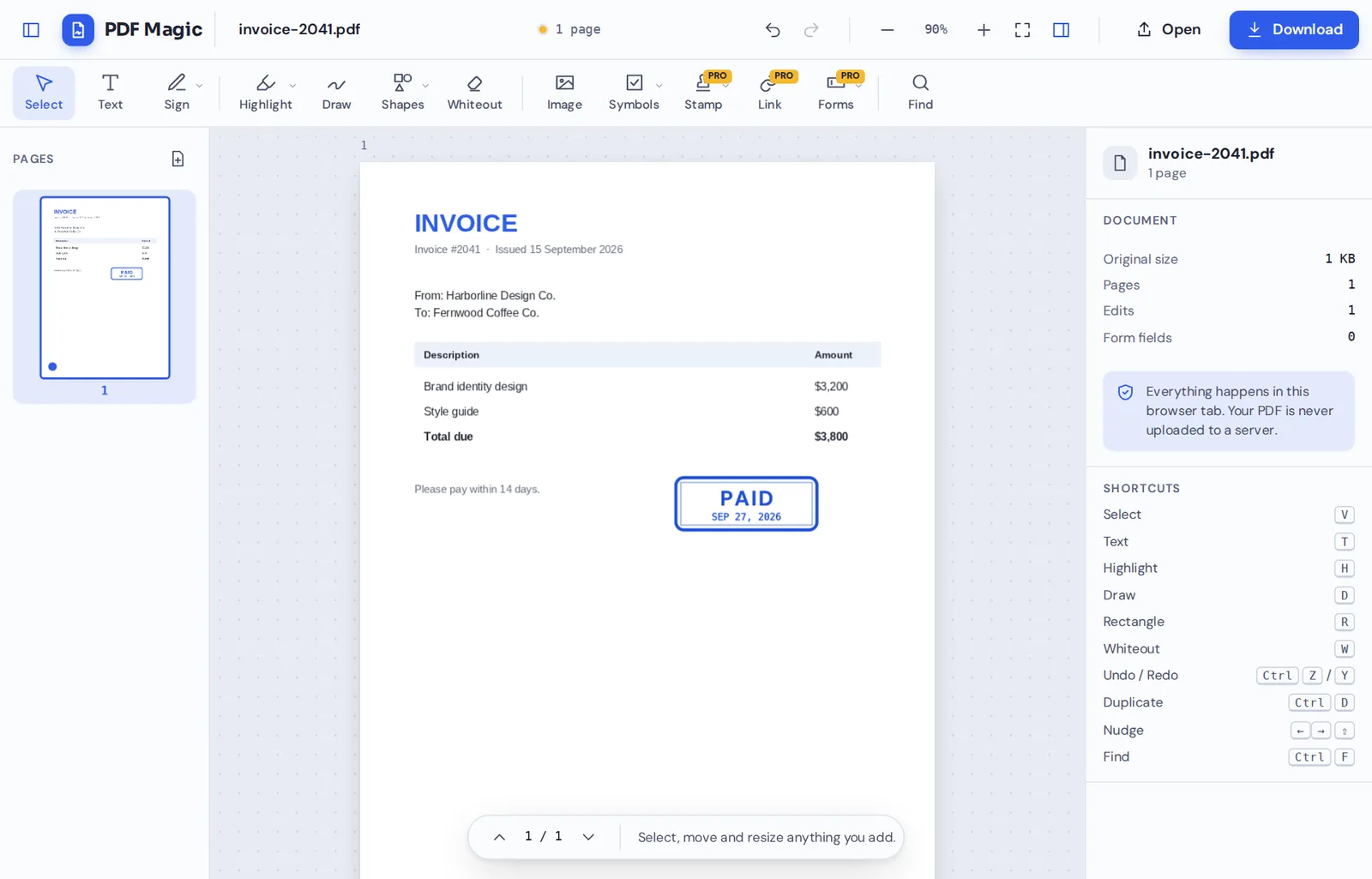
Add stamps if you like
Your own marks, such as a Paid stamp, are the only marks that appear on the page.
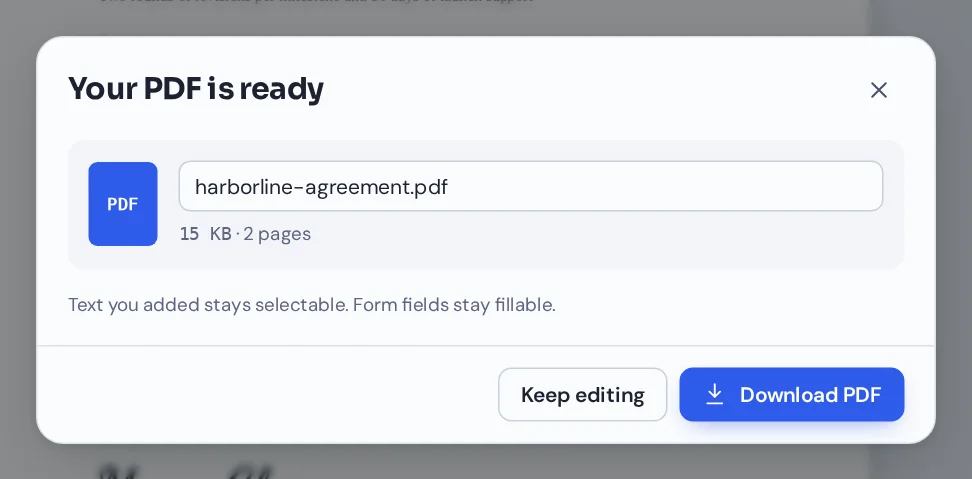
Download a clean file
Click Download. The PDF has no watermark, no logo and no footer from us.
Why a PDF Editor With No Watermark Matters
A watermark on a contract, a job application or an invoice looks unprofessional, and it can make people wonder whether the document was changed. Many free editors add one on purpose, to push you towards a paid plan.
PDF Magic is a PDF editor with no watermark on the free plan or any other. The file you download looks exactly like your document with your changes, and nothing else.
That is possible because the editor runs on your device. We do not pay to process your file on our servers, so we do not need to limit free downloads with a logo.
Never a watermark
Not on the free plan, not on trials, not ever.
No sign-up to download
You do not need an account to save your file.
No upload
Your file stays on your device the whole time.
PDF Editor No Watermark: How PDF Magic Compares
What usually happens when you download from a free PDF editor, and what happens here.
| PDF Magic | Typical free editor | Desktop trial | |
|---|---|---|---|
| Watermark on downloads | Never | Often, on the free plan | Often, until you buy |
| Account needed to download | No | Often | Yes, to activate |
| Where your file goes | Stays on your device | Uploaded to a server | Stays on your device |
| Time limit | None | Sometimes daily limits | Trial ends after days |
Tools You Get Without a Watermark
Every tool in this PDF editor with no watermark downloads clean.
Edit
Change the page.
- Add text and images
Type anywhere, place logos and photos.
- Whiteout
Cover old details and type the new ones.
Sign and fill
Finish the paperwork.
- Signatures and initials
Draw, type or upload them.
- Forms
Type into fields and tick boxes.
Mark up
Review and approve.
- Highlight and draw
Mark the parts that matter.
- Stamps
Approved, Paid, Draft or your own.
Pages
Organize the document.
- Merge, rotate, reorder
Get pages and files in order.
- Copy, add and delete
Build the document you need.
A PDF Editor With No Watermark That Also Keeps Files Private
A clean download is only half of it. Your file is also never uploaded: it is opened and changed in your browser and saved straight back to your device.
There is no account and no copy on our side. That makes it a PDF editor with no watermark and no upload, which is rare. Close the tab and nothing is left behind.
- 0watermarksEvery download is clean.
- 0files uploadedYour PDF stays on your device.
- 0accounts neededDownload without signing up.
A PDF Editor With No Watermark on Any Device
- Windows
- Mac
- Linux
- Chromebook
- iPhone
- iPad
- Android
It works in the browser on Windows, Mac, Linux, Chromebooks, iPhones, iPads and Android phones, with nothing to install.
Fill in a form on your phone with the PDF editor, no watermark included, and send it on straight away. It will not arrive with somebody else's logo on it.
When You Need a PDF Editor With No Watermark
Documents that need to look like yours and nobody else's call for a PDF editor with no watermark.
Job applications
CVs, cover letters and certificates.
Invoices
Bills your clients will keep.
Leases and contracts
Agreements both sides sign.
School work
Assignments and applications.
Business documents
Proposals and reports for clients.
Official forms
Forms for banks, clinics and councils.
PDF Editor No Watermark: Frequently Asked Questions
Answers to what people ask most before they start.
Is there a free PDF editor with no watermark?
Yes. PDF Magic is a free PDF editor with no watermark on any download, and you do not need an account.
Will PDF Magic add a watermark to my file?
No. Never. The file you download only contains your document and your changes.
Why do other free PDF editors add watermarks?
Processing files on servers costs money, so many editors add a logo to push people to a paid plan. PDF Magic works on your device, so it does not need to.
Can I edit a PDF for free without a watermark?
Yes. Edit, sign, fill and organize a PDF, then download it free and without a watermark.
Do I need an account to download without a watermark?
No. There is no account to create. Click Download and your clean file is saved.
Can I remove a watermark another editor added?
If it sits on top of the page, you can cover it with whiteout. If it is part of a scanned image, it cannot be removed cleanly. Only remove watermarks from documents you own.
Does the paid plan add a watermark?
No. There is no watermark on any plan. Paid plans only unlock more tools and higher limits.
Can I add my own watermark?
You can add your own text, logo or stamp to any page, and a dedicated watermark tool is on the way.
Ready for a PDF Editor With No Watermark?
No account, no upload and no logo on your file: open a document at the top of this page.
Open the editorPDF Magic gives you clean, private downloads every time. Open your file in the PDF editor with no watermark today.