
Add Link to PDF Online
Add link to PDF text, buttons and pictures so readers can click them, right in your browser.
- No upload
- No watermark
- Websites and email
- Works in every reader
Add link to PDF files online and make any part of the page clickable. Drag a box over a button, a line of text or a picture, type a web address or an email, and download. Your design does not change, and your file is never uploaded.
How to Add Link to PDF Pages in 4 Steps
Each link takes a drag and a web address.
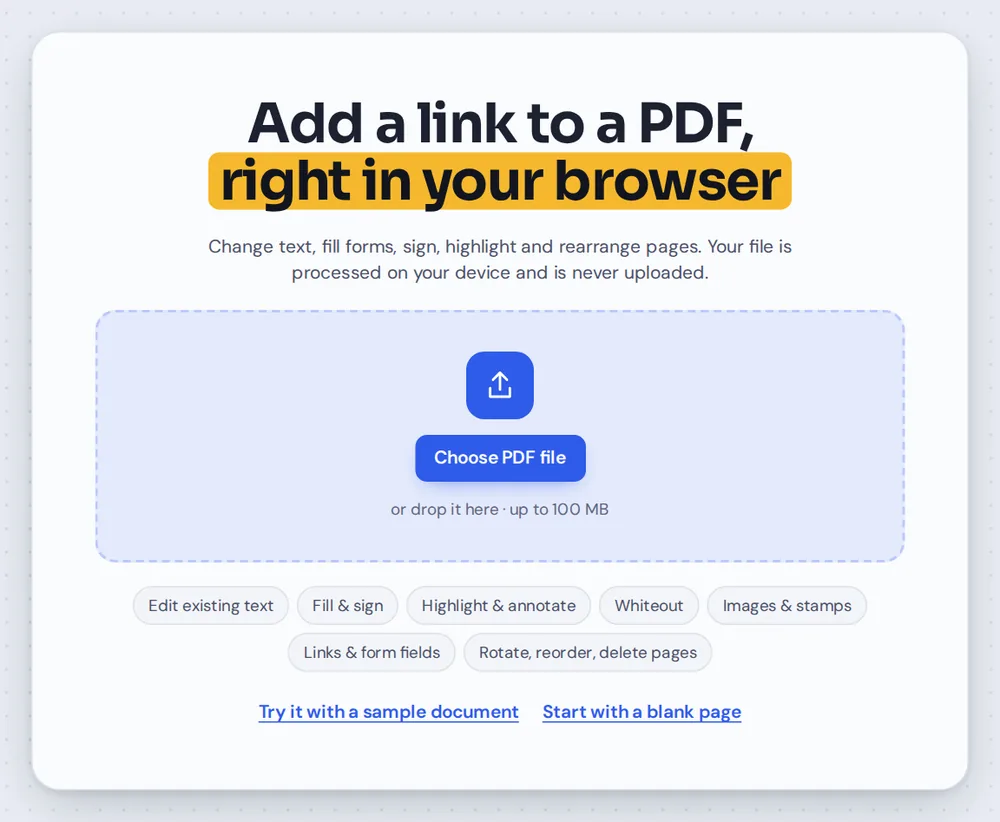
Open your PDF
Click Choose PDF file or drag your document onto the editor above. The link tool is already selected.

Drag over the area
Drag a box over the text, button or picture that should be clickable.
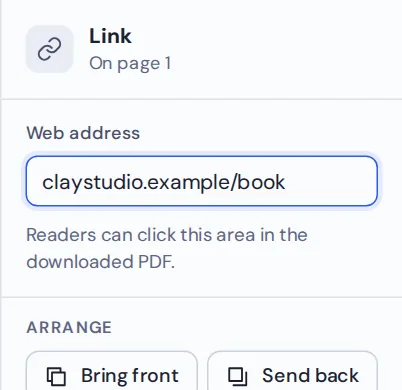
Type the address
The Web address box is ready for typing. Enter a website, or mailto: and an email address.
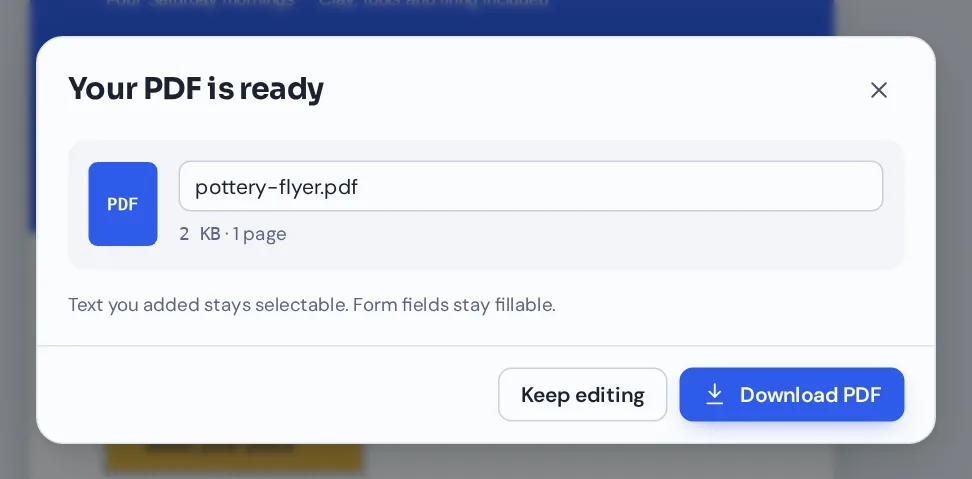
Download your file
Click Download. Readers can click the area to open the website or start an email.
Add Link to PDF Flyers, Menus and Brochures
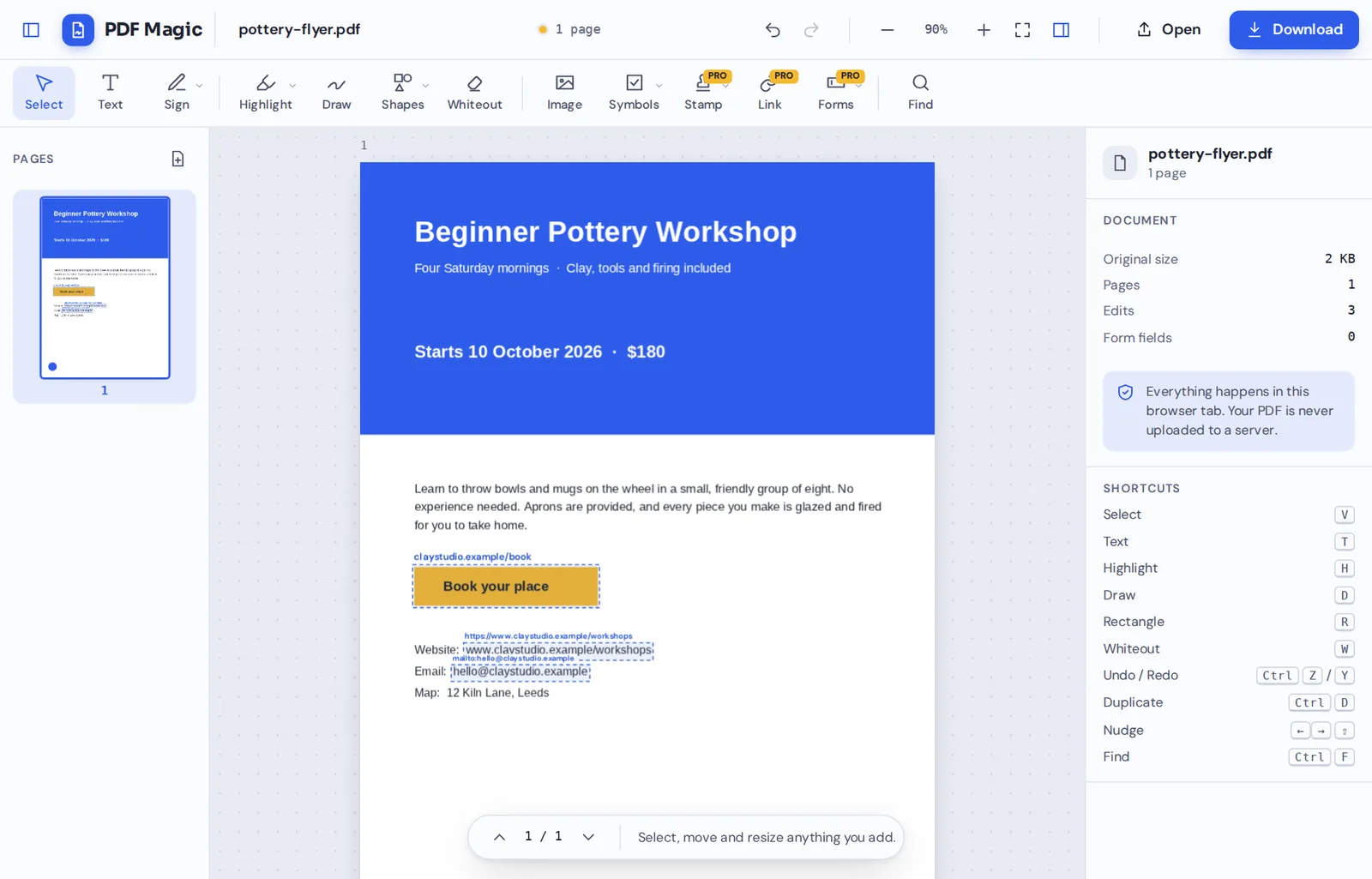
A workshop flyer with the booking button, the website and the email address all made clickable. The blue labels only show in the editor.

What Happens When You Add Link to PDF Pages
A PDF link is an invisible, clickable area placed on top of the page. It does not change how the page looks, so your text, buttons and pictures keep their design.
When you add link to PDF pages with PDF Magic, the link is saved as a standard PDF link. It works in Acrobat, Chrome, Edge, Firefox, Preview and most mobile PDF readers.
Links are part of PDF Magic Pro. You can try them for free: add your links first, and you are only asked to upgrade when you download.
Website link
Opens a web page. Type the address; https is added if you leave it out.
Email link
Starts a new email. Type mailto: followed by the address.
Invisible area
The page looks the same. Only the pointer changes over the link.
Everything You Can Do When You Add Link to PDF Files
Select a link to change it in the side panel.
Create
Link anything on the page.
- Text
Drag over a web address, a word or a whole sentence.
- Buttons
Turn a printed "Book now" button into a real one.
- Pictures and logos
Make a logo open your website.
Address
Websites and email.
- Web addresses
Type www.example.com or a full https:// address.
- Email
Type mailto:name@example.com to open a new email.
- Edit later
Select a link to change its address.
Adjust
Make the clickable area just right.
- Move and resize
Drag the link box or pull its handles.
- See your links
In the editor, each link shows a dashed box and its address.
- Delete
Select a link and press Delete.
Download
Clickable in every reader.
- Standard PDF links
Saved in the format every PDF reader understands.
- No visible boxes
The dashed boxes and labels only show in the editor.
Other Tools to Use When You Add Link to PDF Documents
They open the same document in the same editor, so nothing is uploaded.
Create a fillable PDF
Add form fields people can type into.
Add image to PDF
Add a logo or a button picture to link.
Add text to PDF
Type a web address to link.
Underline text
Underline linked words so they look clickable.
Merge PDF
Combine a flyer with other pages.
PDF Editor
Every editing tool in one place.
Add Link to PDF Files Without Uploading Them
When you add link to PDF files here, the document is opened and changed inside your own browser tab. It is never sent to our servers.
That makes it a safe choice for unreleased brochures, internal documents and client proposals.
- 0files uploadedYour PDF stays on your device.
- 0watermarksYour design stays as it is.
- 0installsIt runs in your browser.
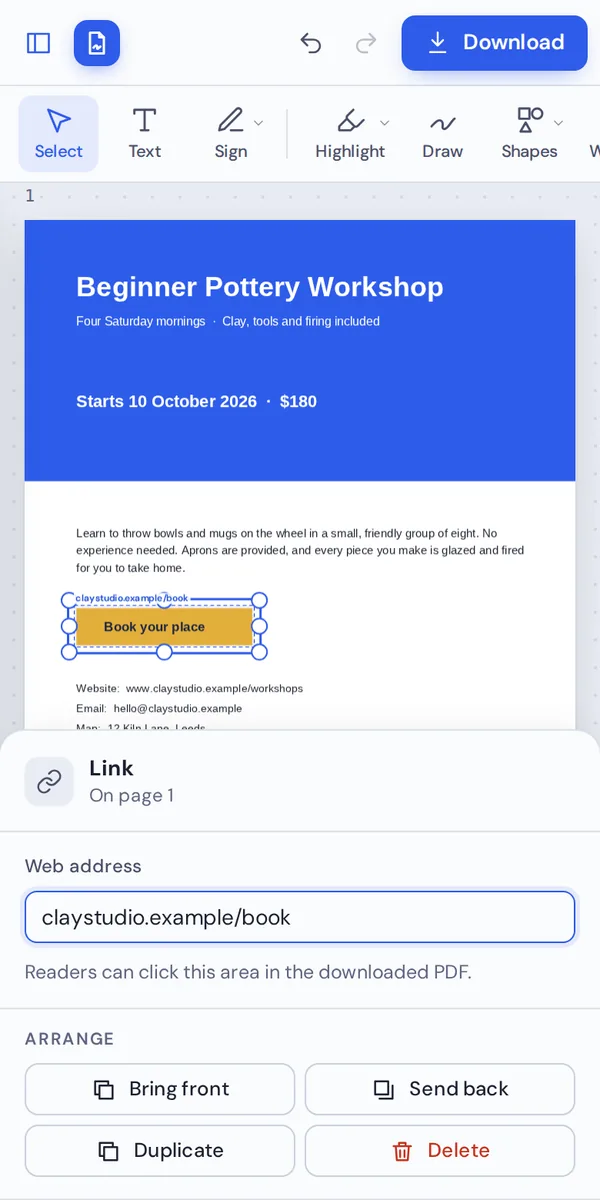
Add Link to PDF on iPhone, Android or Computer
- Windows
- Mac
- Linux
- Chromebook
- iPhone
- iPad
- Android
It works in any modern browser, with nothing to install. On a phone, drag over the area and type the address with your keyboard.
Need to fix a missing link before a flyer goes out? Open it on your phone, add link to PDF pages and send it on.
When People Use This Tool
Wherever a reader should be one click away from the next step.
Flyers and posters
Booking pages, tickets and sign-up forms.
Proposals and CVs
Portfolio, LinkedIn and email links.
Menus
Online ordering and table booking.
Course notes
Links to videos and further reading.
Reports
Links to sources and dashboards.
Invoices
A link to pay online.
Pro Tips for Faster Results
- Test your addressesOpen each address in your browser before you add it.
- Email links need mailto:Type mailto: before the email address.
- Cover the whole buttonA bigger clickable area is easier to tap on phones.
- Make links look clickableUnderline or color linked text so readers notice it.
- Links work on scans tooDrag over any part of the page, even a scanned one.
- Undo anythingCtrl+Z removes the last link.
Add Link to PDF: Frequently Asked Questions
Answers to what people ask most before they start.
How do I add link to PDF?
Open your PDF, choose Link and drag a box over the text, button or picture that should be clickable. Type a web address or an email, then click Download.
Can I add link to PDF for free?
Yes. During our launch every tool is free, with no account and no watermark.
Can I add link to PDF online?
Yes. PDF Magic runs in your web browser, so you can add links to PDF files online on Windows, Mac, Linux or a Chromebook with nothing to install. Open your file in the tool at the top of this page to start.
How do I add link to PDF on my phone?
Open this page in your phone's browser, tap Choose PDF file and pick your document. Drag a box over the area and type the address with your keyboard. Then tap Download. There is no app to install.
Can I add link to PDF without Adobe Acrobat?
Yes. You do not need Acrobat or any other software. PDF Magic works in your browser, and the file you download opens in Acrobat, Preview, Chrome and every other PDF reader.
Is it safe to add link to PDF online?
Yes. PDF Magic does not upload your file. It is opened and changed inside your browser tab and never sent to our servers, so nobody else sees it. Close the tab and nothing is left behind.
How do I add link to PDF without losing quality?
Links are invisible clickable areas, so the page looks exactly the same as before.
What is the easiest way to add link to PDF?
Open the file above, drag over the text and type the address. https is added for you if you leave it out.
Ready to Add Link to PDF Pages?
No upload and no watermark: open your document above, drag over an area and type the address.
Open the editorPDF Magic is the easy, private way to make a document clickable. Open your file and add link to PDF pages today.