
Fill PDF Form Online Free
Fill PDF form fields, tick the boxes and download the completed form, right in your browser.
- No upload
- No watermark
- No sign-up
- Fields stay fillable
Fill PDF form fields online for free, right in your browser. Open the form, click a box to type your answer, tick the checkboxes and download the completed file. Your answers stay in real form fields, and your document is never uploaded.
How to Fill PDF Form Fields Online in 4 Steps
Most people fill PDF form pages in a couple of minutes, and you never need to print anything.
Open your form
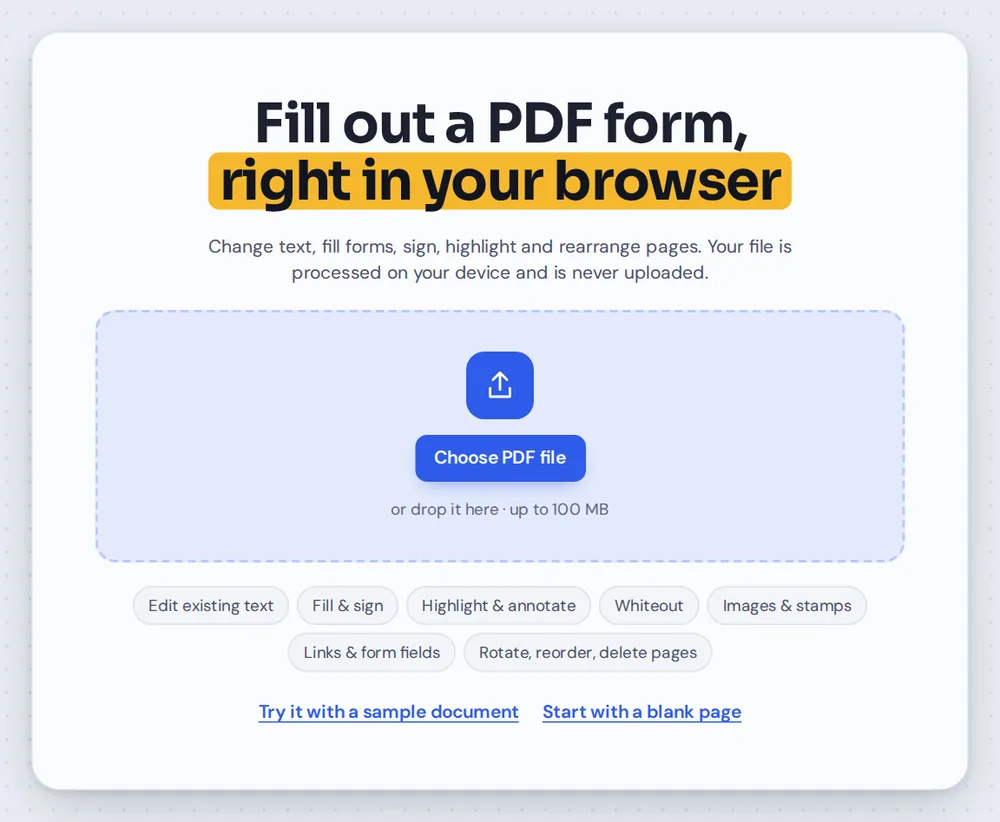
Click Choose PDF file or drag the form onto the editor above. It opens straight away, because nothing is uploaded to a server.
Type your answers
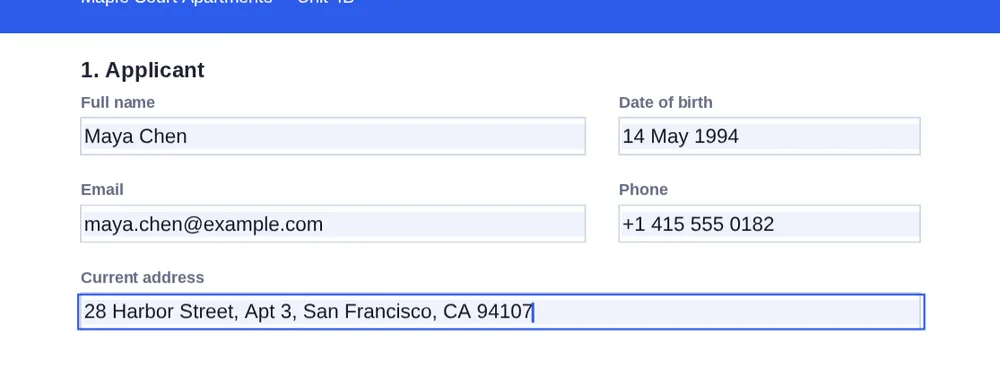
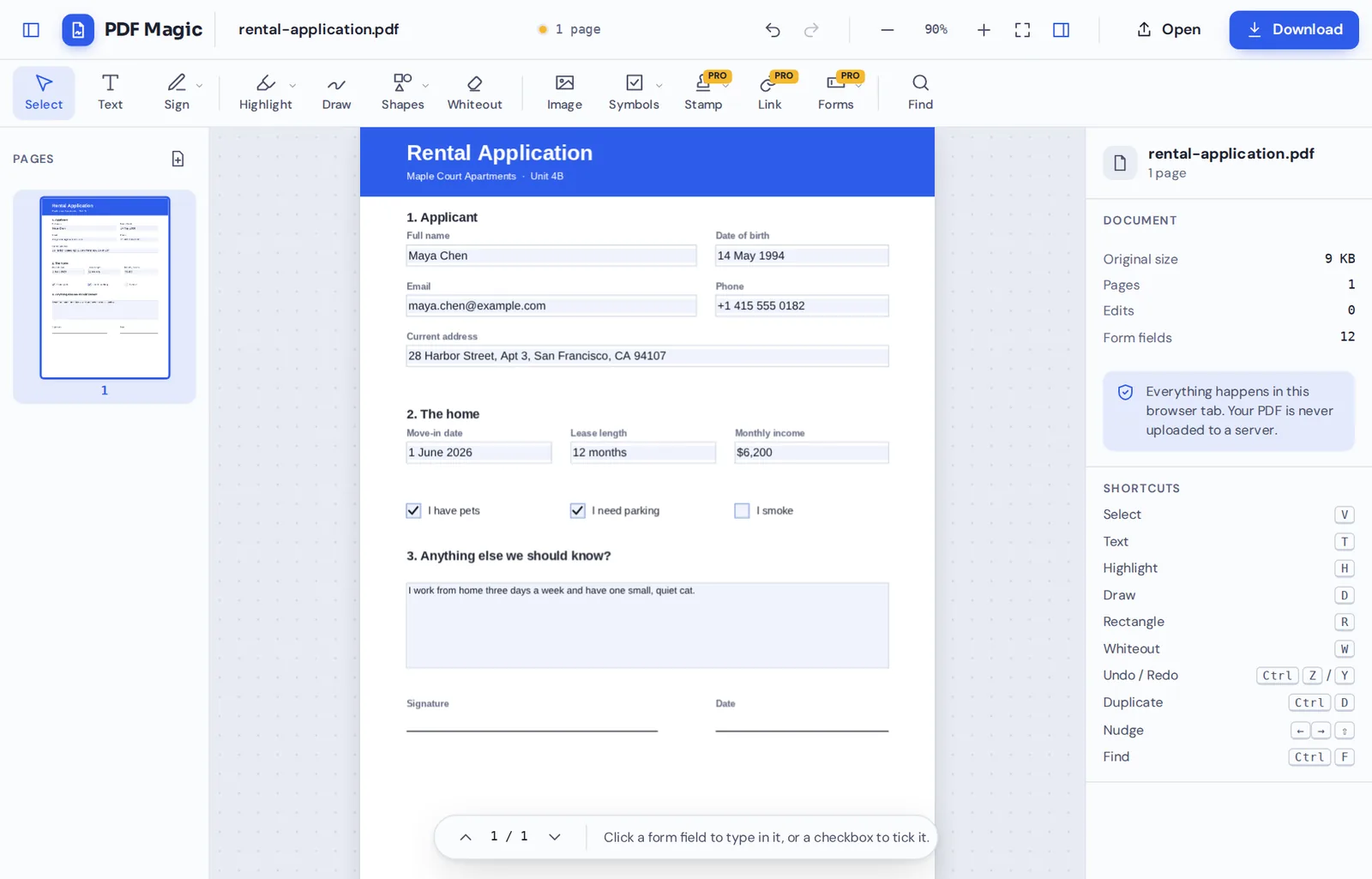
PDF Magic finds the fillable boxes for you and marks them in light blue. To fill PDF form boxes, click one and type. Press Esc or click elsewhere when you are done.

Tick the checkboxes
Click a checkbox once to tick it and again to untick it. Longer answer boxes wrap your text onto new lines automatically.
Download the completed form
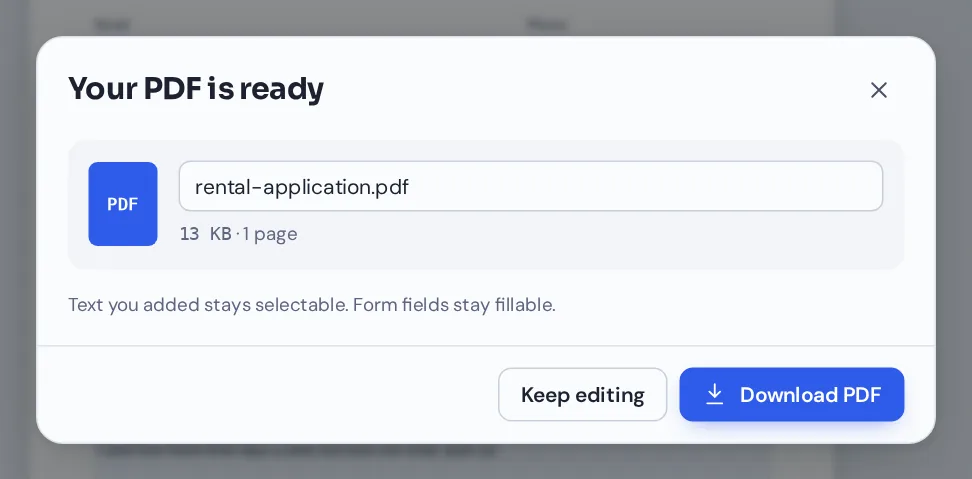
Click Download and name your file. Your answers are saved into the form fields, so the next person can still read and change them.
What Is a Fillable PDF Form?
A fillable form is a PDF with interactive boxes built into the page: text boxes for names and dates, larger boxes for longer answers, and checkboxes for yes or no questions. Applications, tax forms, registration forms and contracts are often sent this way, and you can fill PDF form fields like these in any browser.
Other forms are flat. They look like a paper form with lines and boxes, but there is nothing to click. You can still fill PDF form pages like these here: use the Text tool to type on the lines and the Symbols menu to place checkmarks.
Not sure which kind you have? Open it in the editor. If PDF Magic finds fields, it tints them light blue and the side panel shows how many it found.
Fillable form
Has real fields. Click a box and type. Your answers stay in the fields when you download.
Flat form
Looks like paper, with no fields. Type on the lines with the Text tool and add checkmarks from Symbols.
Scanned form
A photo or scan of a paper form. Fill it in the same way as a flat form.
Everything You Need to Fill PDF Form Pages
The same editor lets you fill PDF form files of every kind, from fillable forms to flat scans.
Fillable fields
For forms that were made to be filled in.
- Found automatically
Text boxes and checkboxes are detected when the file opens and tinted light blue, so you can see where to type.
- Single and multi-line boxes
Short answers stay on one line. Larger comment boxes wrap your words onto new lines.
- Real form fields in the download
Your answers are saved into the form itself, so the file stays fillable in Acrobat, Chrome, Edge and other PDF readers.
Flat and scanned forms
For forms with lines but no fields.
- Type anywhere
Pick Text, click a line and type. Change the font, size and color in the side panel.
- Checkmarks and crosses
Open Symbols to place a checkmark, a cross or a dot on any box.
- Whiteout mistakes
Cover an old answer on a scanned form with whiteout and type the new one on top.
Finish the form
The last steps most forms ask for.
- Sign it
Draw, type or upload your signature and place it on the signature line.
- Add the date
Place today's date next to your signature from the Symbols menu.
- Add initials
Initial each page of an agreement in a few clicks.
Save and check
Small details that save you from sending it twice.
- Undo anything
Press Ctrl+Z to step back if you typed in the wrong box.
- Name your file
Rename the download, for example rental-application-chen.pdf.
- No watermark
The completed form looks exactly like the original, with your answers added.
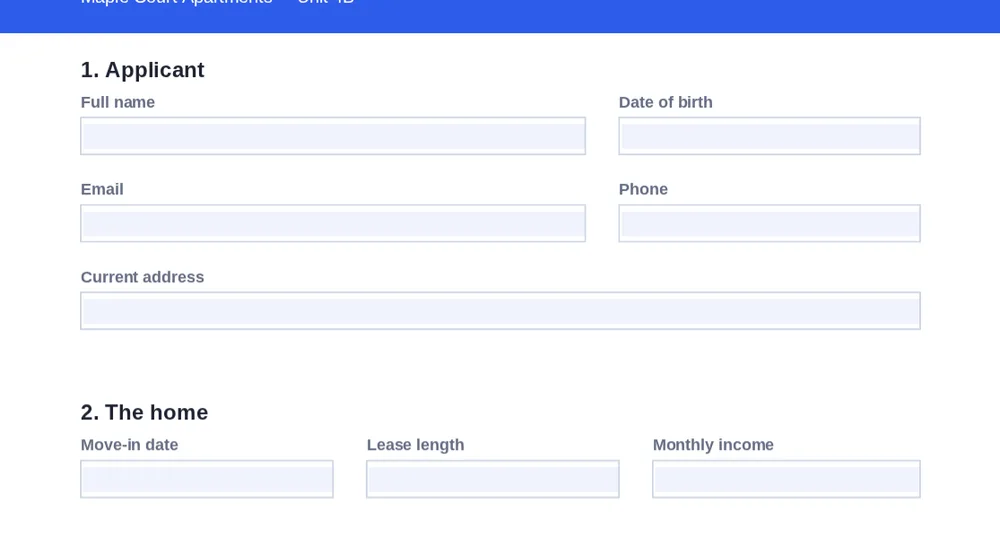
When you fill PDF form files that have real fields, every box is tinted light blue the moment the file opens. The tint only shows in the editor, not in your download.
Tools That Help You Fill PDF Form Pages Faster
After you fill PDF form fields, these tools finish the job in the same editor, so nothing is uploaded.
Sign PDF
Draw, type or upload your signature and place it on the form.
Add text to PDF
Type on flat forms that have no fillable fields.
Add checkmarks
Tick boxes on paper-style forms.
Add the date
Place today's date in one click.
Create a fillable PDF
Turn your own document into a form others can fill in.
Add initials
Initial every page of a contract.
Fill PDF Form Files Without Uploading Your Details
Forms are full of personal details: your address, date of birth, income or medical history. When you fill PDF form files with PDF Magic, the document and your answers stay inside your browser tab. Nothing is sent to our servers.
Close the tab and your answers are gone from the page. Only the file you download keeps them.
- 0files uploadedYour form stays on your device.
- 0answers storedWe never see what you type.
- 0accounts neededOpen the form and start.
Works on iPhone, Android and Computer
- Windows
- Mac
- Linux
- Chromebook
- iPhone
- iPad
- Android
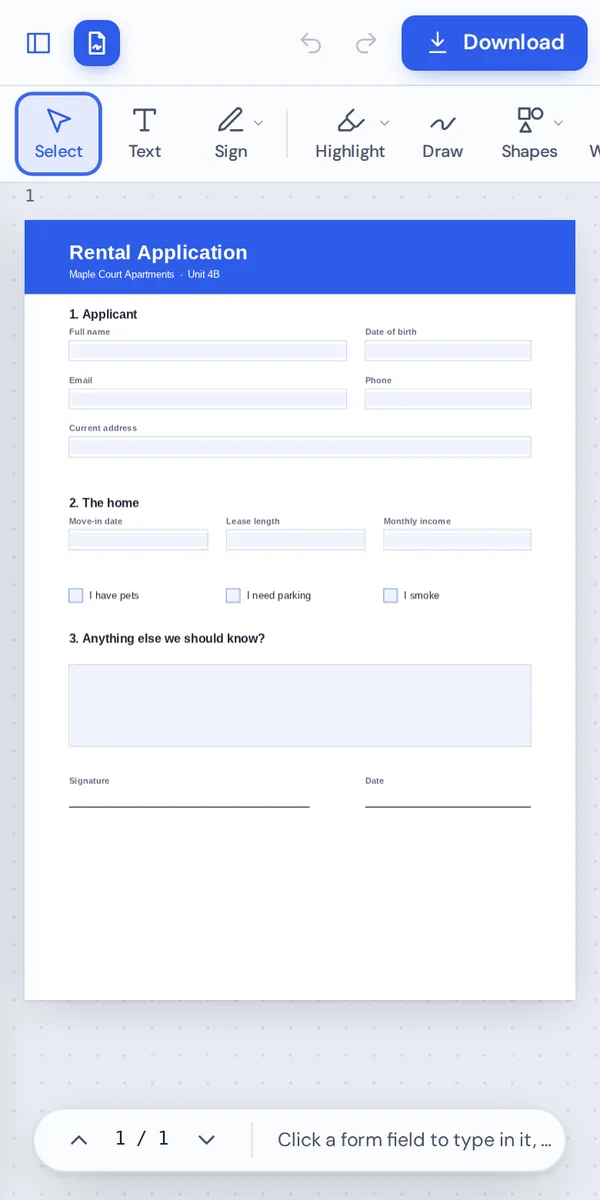
Open this page in any modern browser, on any device, with nothing to install. Tap a field and your phone's keyboard opens so you can type your answer.
Got a school form or a registration form by email? Save the attachment, open it here, fill PDF form fields and send it back in minutes.
When People Use This Tool
If it arrives as a PDF with boxes to complete, you can finish it here and fill PDF form pages without a printer.
Rental applications
Tenant applications, move-in checklists and lease renewals.
Job applications and HR
Application forms, onboarding forms and tax forms from an employer.
School and university
Enrollment forms, permission slips and course registrations.
Medical and insurance
Patient intake forms and insurance claims, kept private.
Government forms
Applications, renewals and declarations sent as PDFs.
Clubs and events
Membership forms, volunteer sign-ups and registration sheets.
Pro Tips for Faster Results
- Zoom in on small boxesUse the + button so small fields are easier to click when you fill PDF form pages.
- Check the field countThe side panel shows how many fields were found. Zero means a flat form.
- Keep answers shortSingle-line boxes do not grow, so use short answers there.
- Undo a wrong answerCtrl+Z steps back if you typed in the wrong box.
- Sign lastFill in every field first, then add your signature and the date.
- Keep a blank copyThe original file is not changed, so keep it in case you need to start again.
Fill PDF Form: Frequently Asked Questions
Answers to what people ask most before they start.
How do I fill PDF?
Open your PDF. Click a form field to type in it, or a checkbox to tick it. For forms without fields, click the Text tool and type on the lines. Then click Download.
Can I fill PDF for free?
Yes. Filling in forms and downloading are free, with no account and no watermark.
Can I fill PDF online?
Yes. PDF Magic runs in your web browser, so you can fill PDF forms online on Windows, Mac, Linux or a Chromebook with nothing to install. Open your file in the tool at the top of this page to start.
How do I fill PDF on my phone?
Open this page in your phone's browser, tap Choose PDF file and pick your document. Tap a field to type, or tap a checkbox to tick it. Then tap Download. There is no app to install.
Can I fill PDF without Adobe Acrobat?
Yes. You do not need Acrobat or any other software. PDF Magic works in your browser, and the file you download opens in Acrobat, Preview, Chrome and every other PDF reader.
Is it safe to fill PDF online?
Yes. PDF Magic does not upload your file. It is opened and changed inside your browser tab and never sent to our servers, so nobody else sees it. Close the tab and nothing is left behind.
How do I fill PDF without losing quality?
Your answers are saved as real text in the form fields, and the form itself is not changed, so it looks exactly like the original.
What is the easiest way to fill PDF?
Open the form above and click the first field. Fillable fields are found for you, so you can type straight away.
Ready to Fill PDF Form Fields?
No account, no upload and no watermark: open your form above and finish it in minutes.
Open the editorPDF Magic is the easy, private way to complete forms online. Open your document and fill PDF form fields today.